Order changes everything.
The Wedding Planning System is 40 guides, tools and templates, arranged in the order a wedding actually unfolds: 22 guides and workbooks, 15 interactive tools that do the math for you, and 3 editable templates. It runs from engagement to wedding day, so you always know what to decide next.
Instant download. Every tool opens in your browser on your phone or computer, with nothing to install.
WHY ORDER
Most wedding planning goes wrong in the sequence, not in the decisions themselves. Book the photographer before the venue and you may find they're not free on your date. Set a budget before you know your guest count and the numbers never add up. Choose flowers before your colors and you'll pay twice. The Planning Season Wedding Plan puts every decision in its right place, so each choice makes the next one easier.
WHAT'S INSIDE
BEGIN HERE
• The Planning Season Map: how to use everything, and what to decide in what order
• The First Decision: the one question to answer before you book, buy or budget anything
• The Newly Engaged Set: the Blueprint and the Workbook for your vision, budget and priorities
• The Wedding Journal: for the parts of planning that aren't logistics
• Wedding Date Finder (interactive): the date that actually works
THE COMPENDIUM
• The Wedding Compendium: 118 pages, 27 steps, the anchor of the whole system
• Wedding Timeline Google Sheet: your linked planning timeline
THE BIG DECISIONS
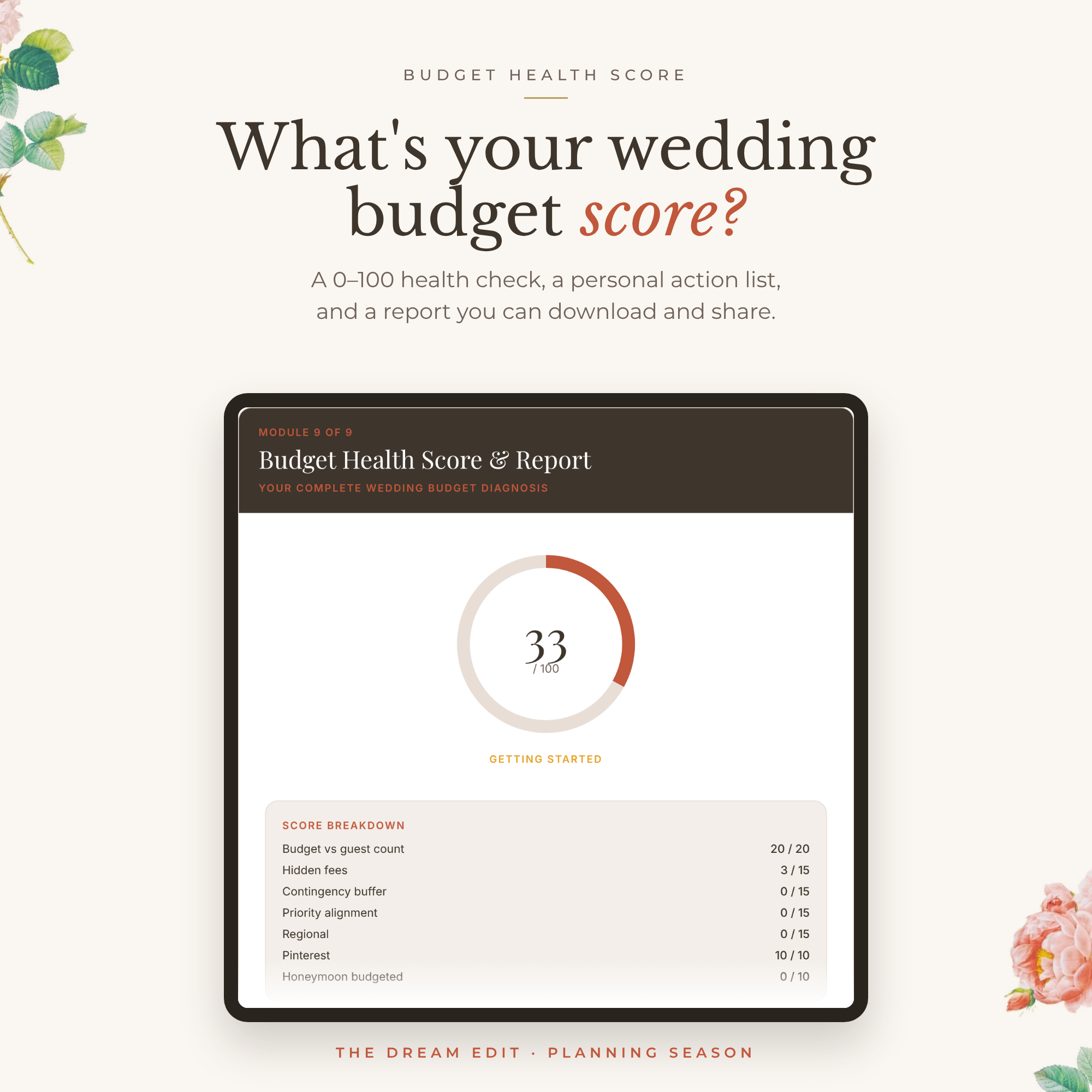
• The Wedding Budget Guide & Checklist: your budget, structured around your priorities
• The Wedding Venue Guide: the 18 factors that matter, in the order to weigh them
• The Vendor Playbook: choosing vendors, what to ask them, and the red flags
• Ask This, Not That: smart questions for every vendor meeting
• The Wedding Details Planner: your central planning workspace
• Our Wedding Binder: two editions, one to print and one digital with clickable tabs
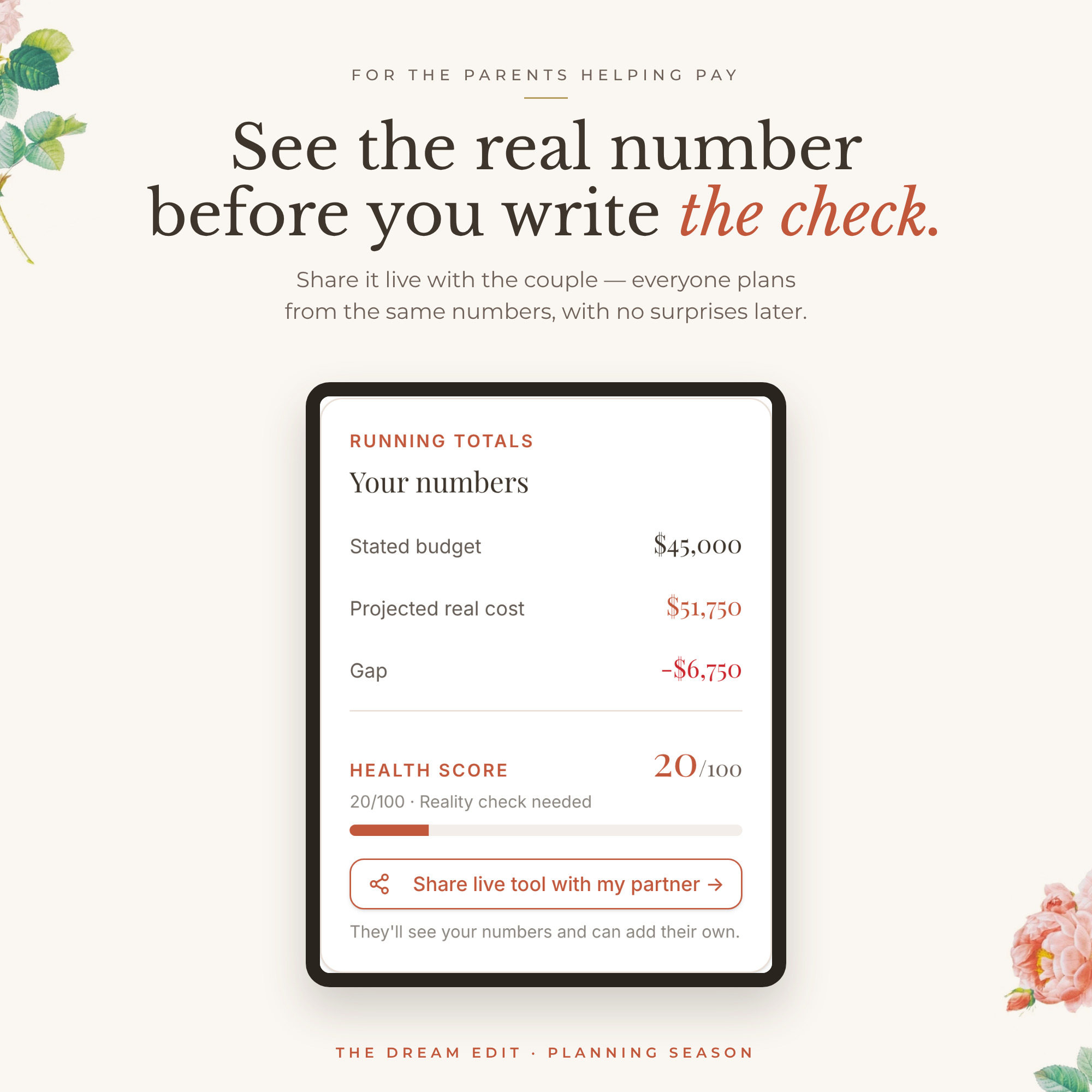
• Who Pays for What (interactive): plan family contributions without the awkwardness
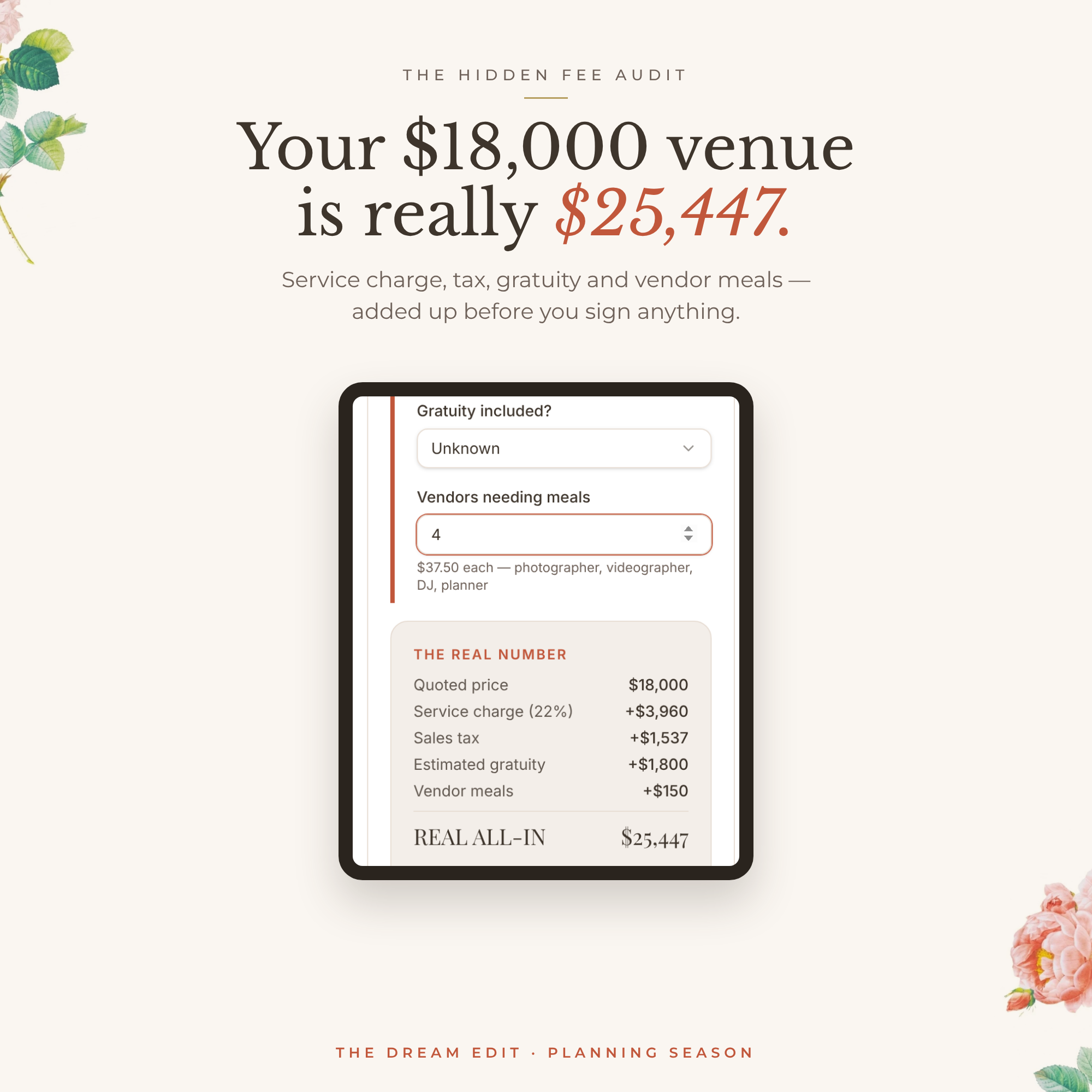
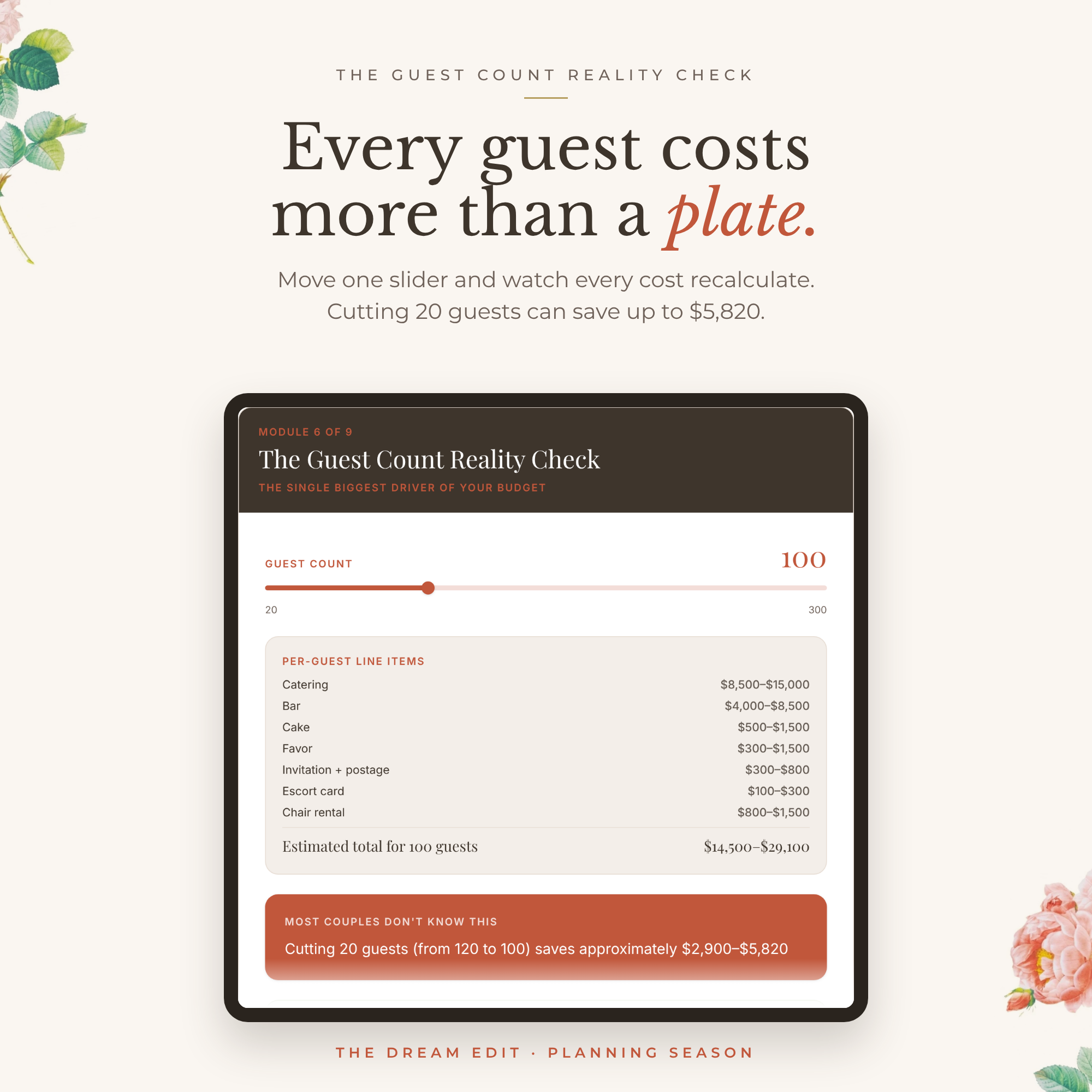
• Wedding Cost Per Person Calculator (interactive): what each guest really costs
• Wedding Venue Minimums Tracker (interactive): every venue's minimums, side by side
• Wedding Vendor Comparison Tracker (interactive): every quote and reference in one place
• The Vendor Reality Check (interactive): a gut-check before you sign the contract
WEDDING DESIGN
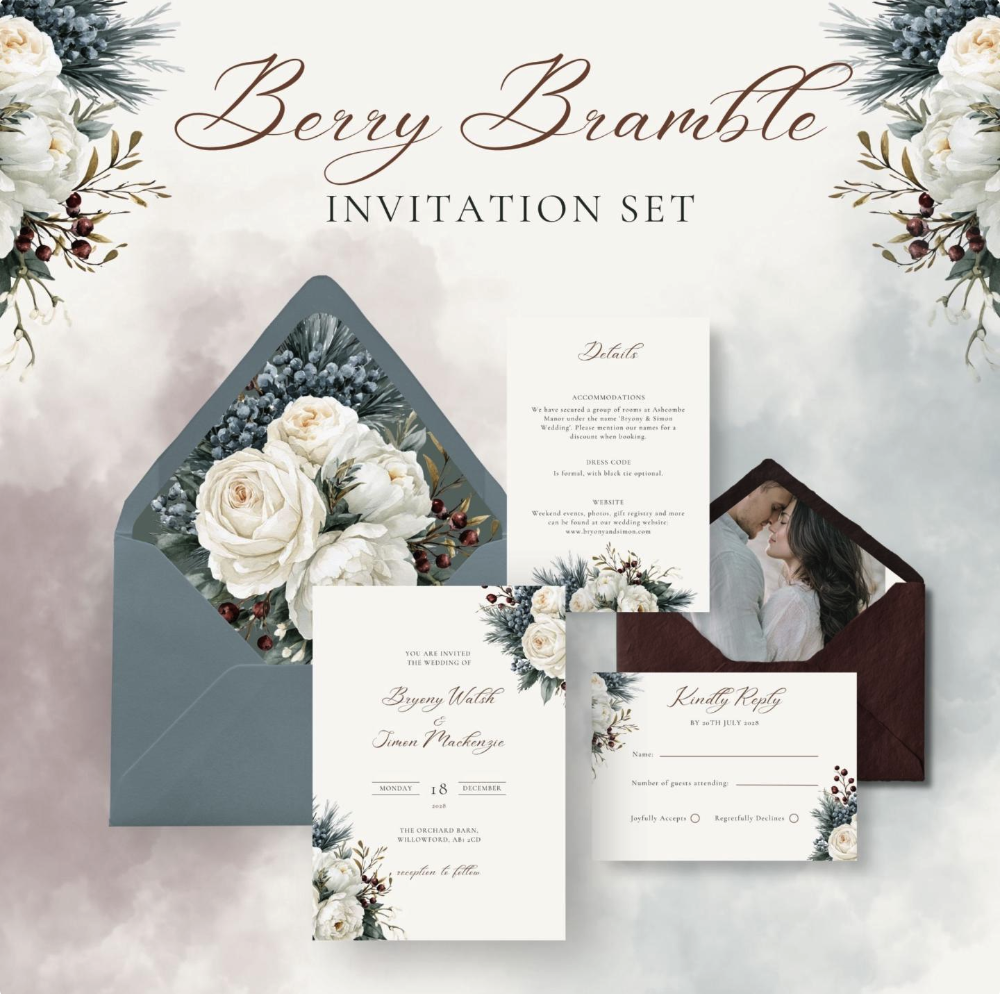
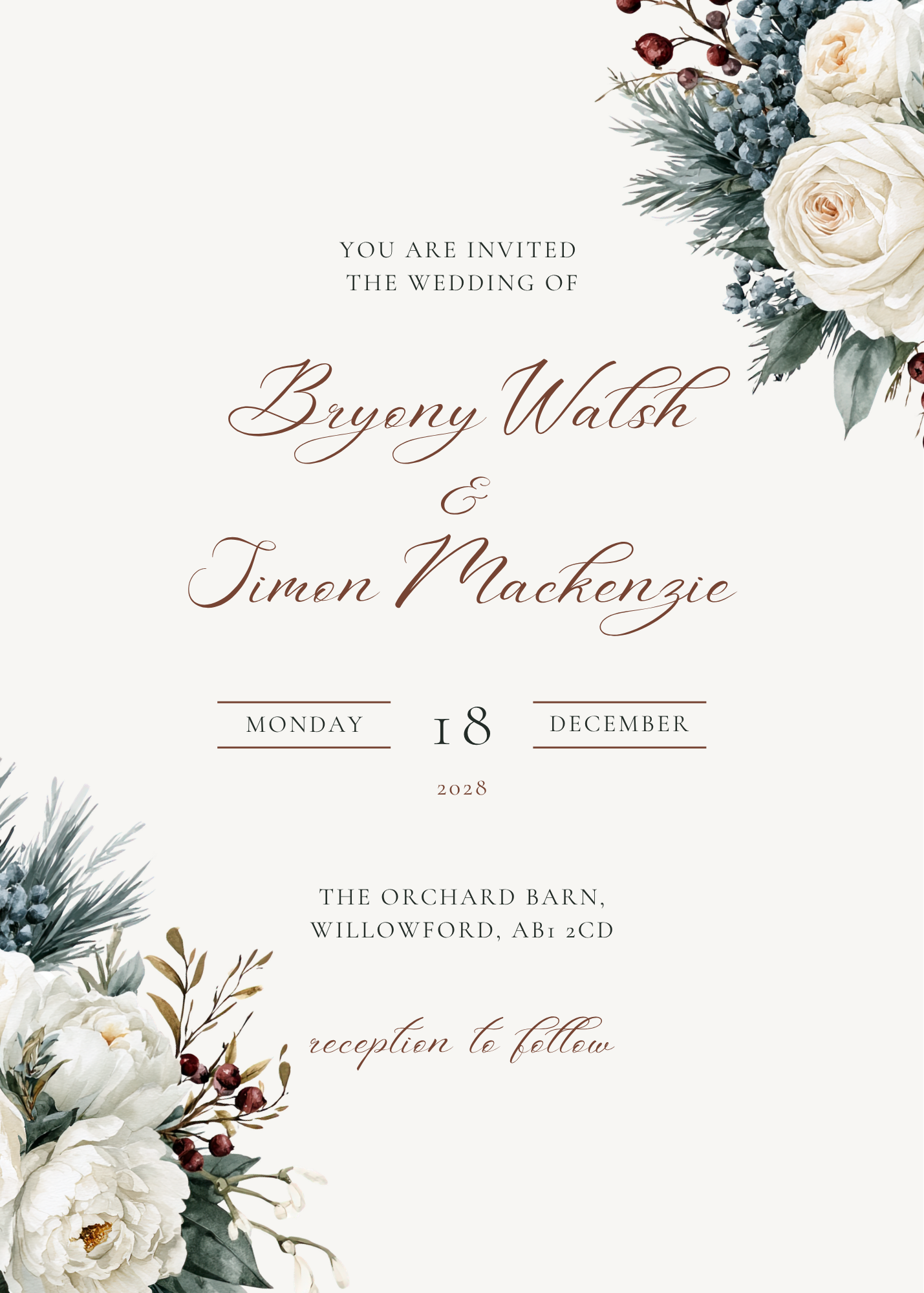
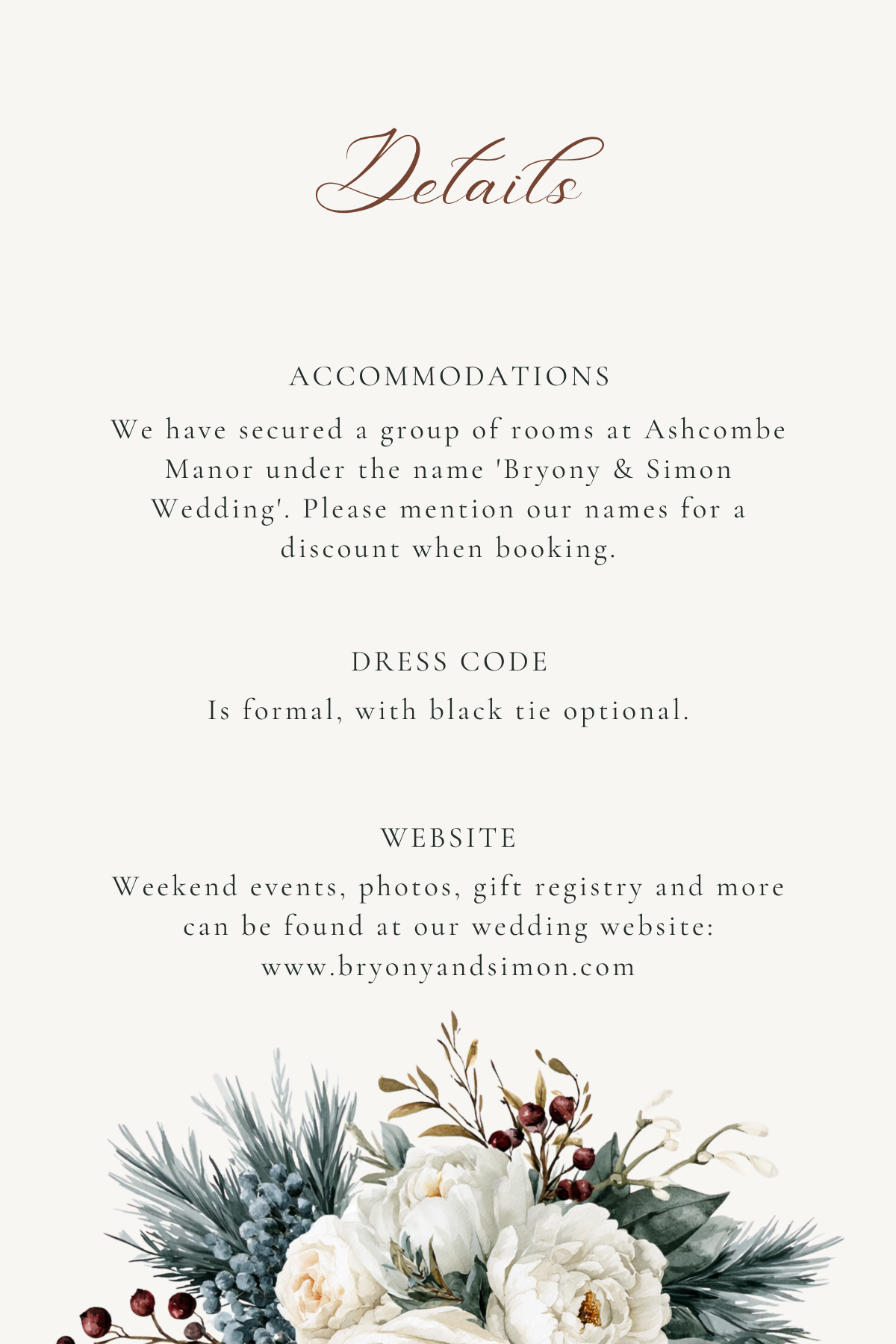
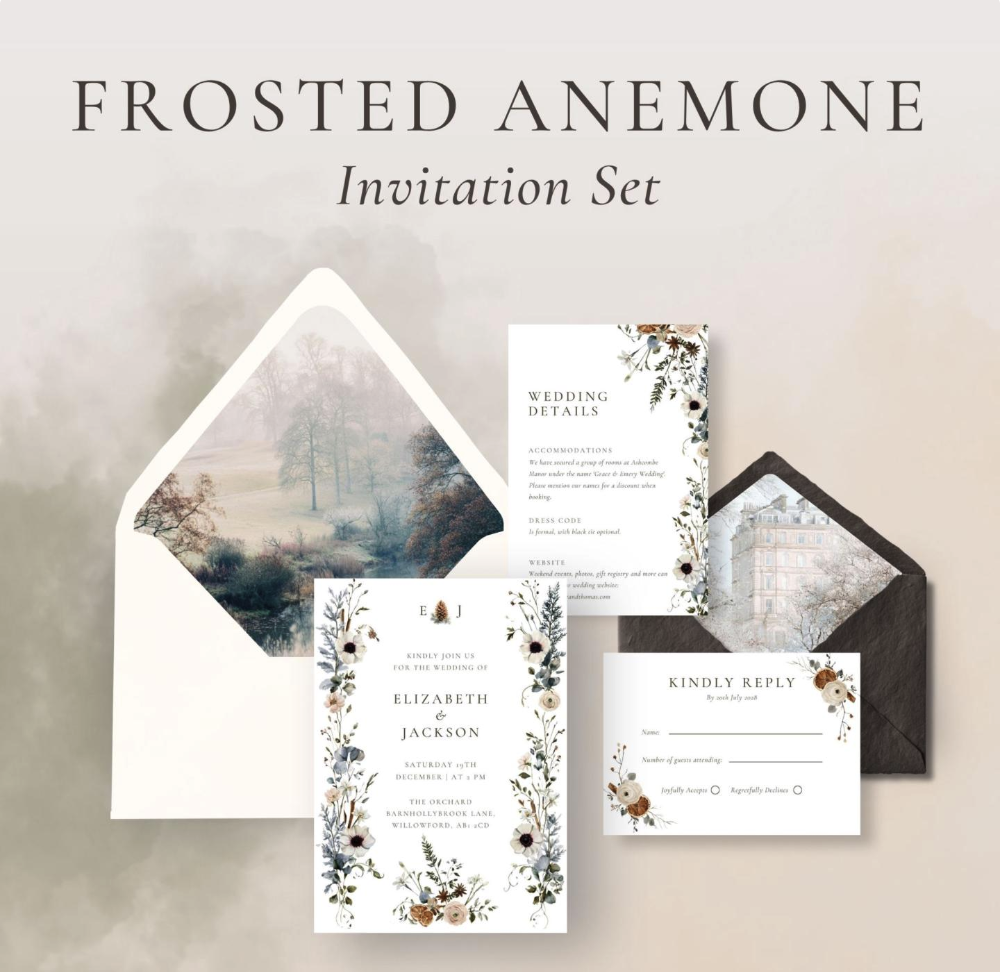
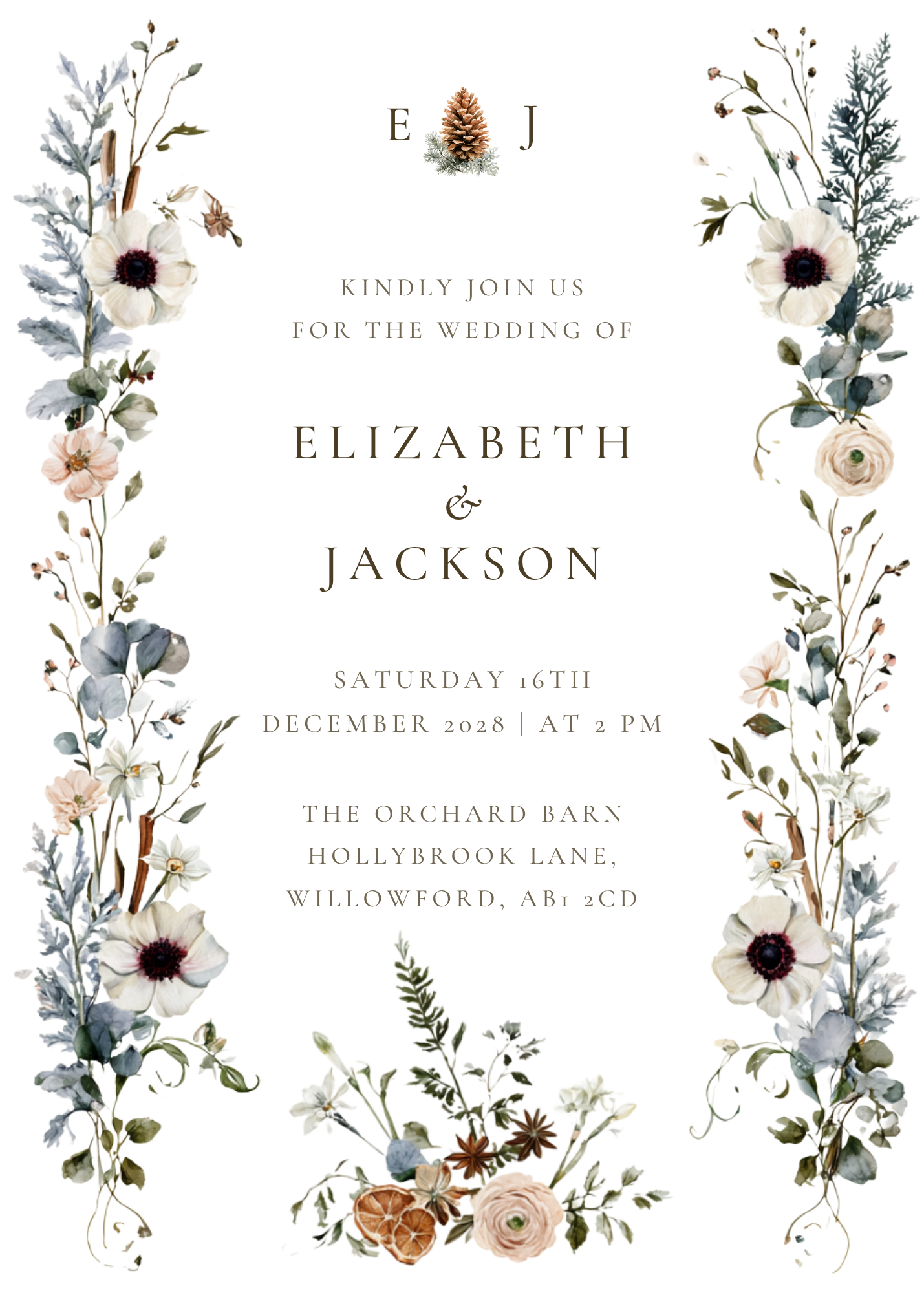
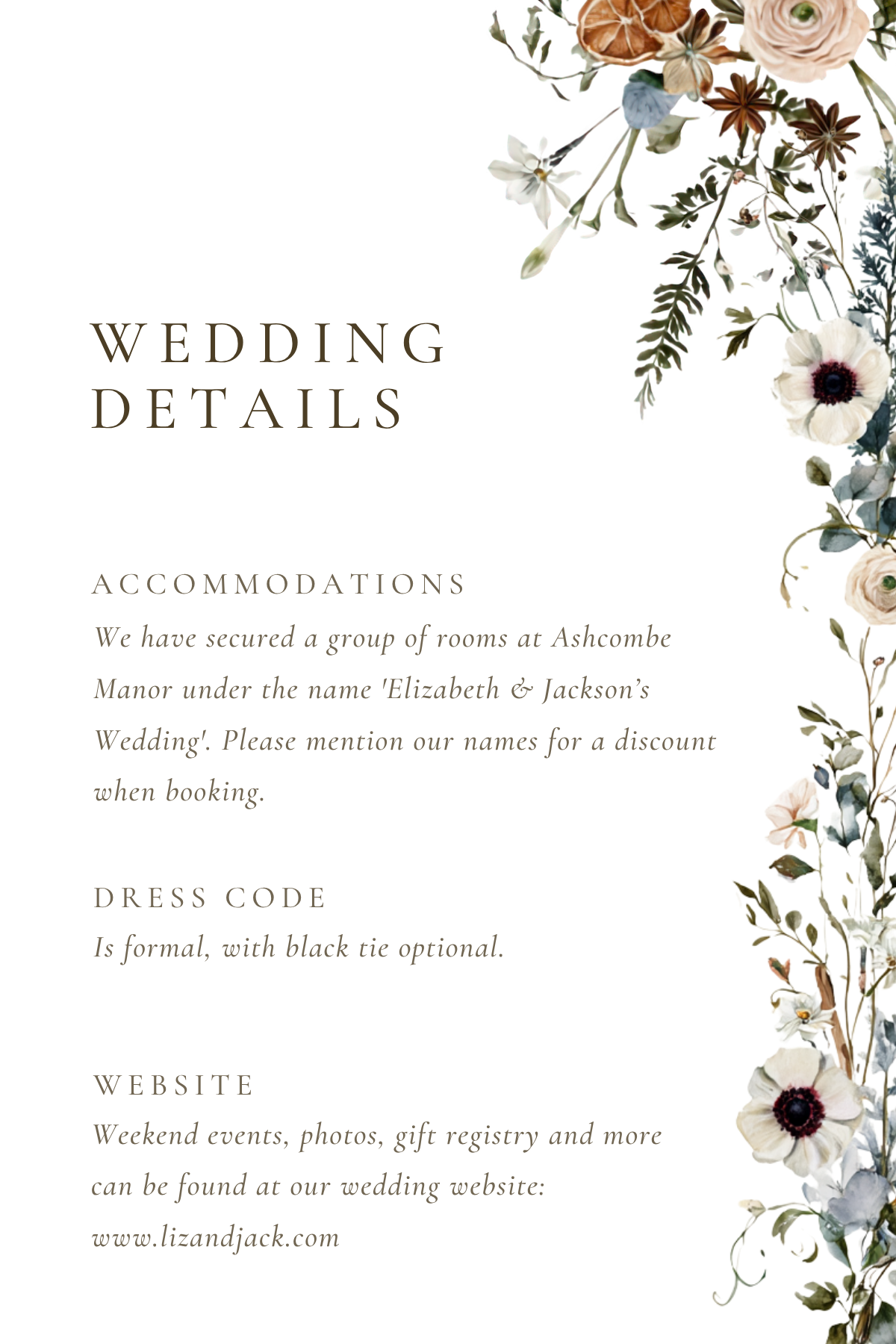
• The Wedding Design Guide: spending, photography, flowers, attire, invitations and ceremony
• The Wedding Style Quiz (interactive): discover your wedding style
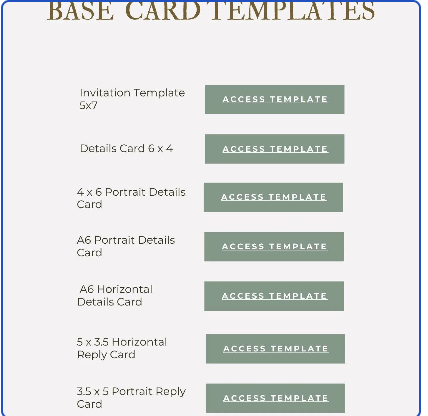
• 20 Wedding Mood Board Templates: editable in Canva, each in a different theme
GUESTS & WEDDING PARTY
• The Seating, Meals & Guest List Workbook: from the first draft list to the final chart
• The Seating Plan (interactive): build the chart table by table
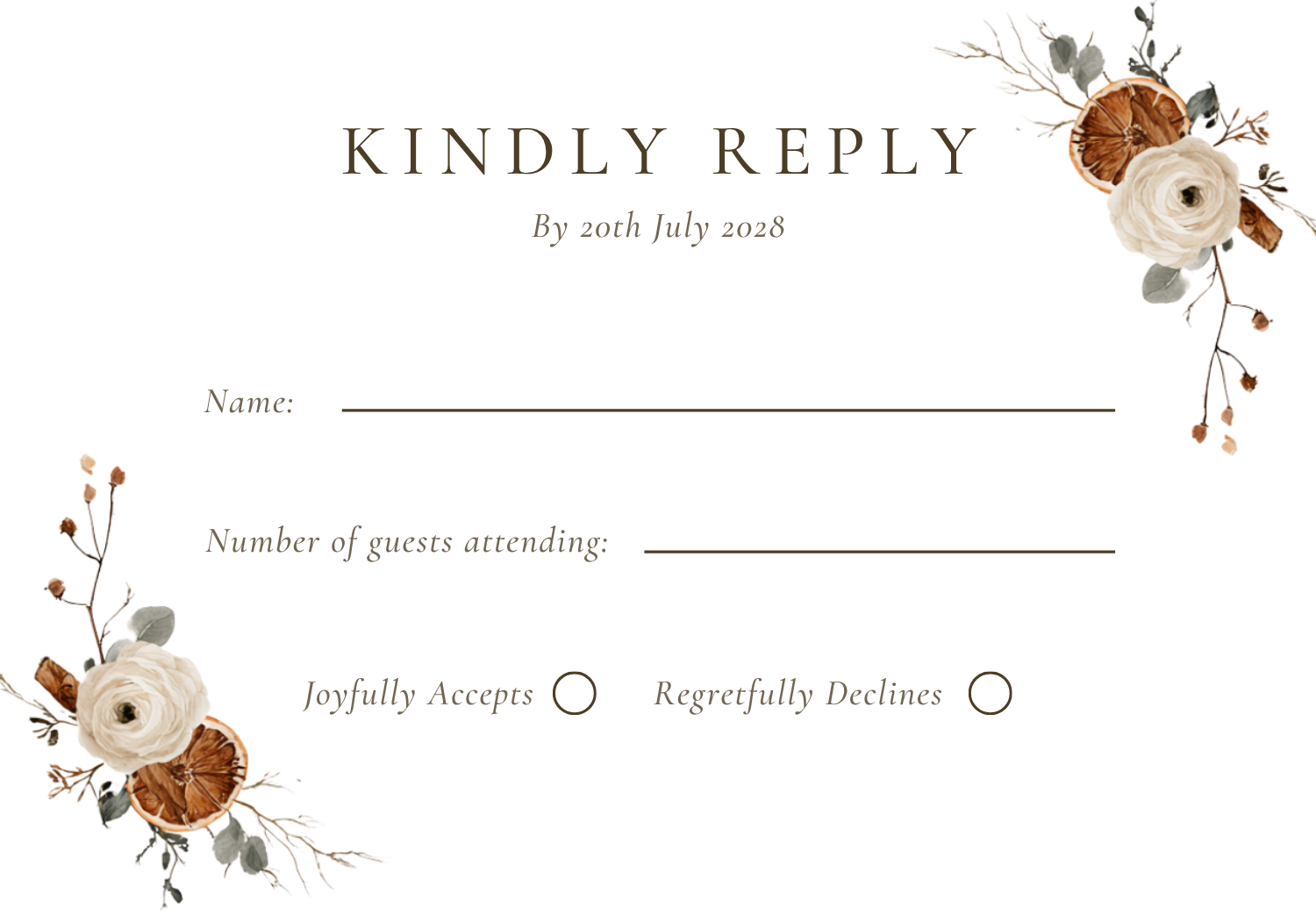
• RSVP & Meal Count Tracker (interactive): responses and meal choices, always current
• Wedding Bar Calculator (interactive): exactly how much to buy
• The Groom's Wedding Day Checklist
• The Mother of the Bride Checklist
• The Maid of Honor Checklist and Maid of Honor Spreadsheets
THE DAY ITSELF, AND BEYOND
• Wedding Day Florist Checklist: every flower, accounted for
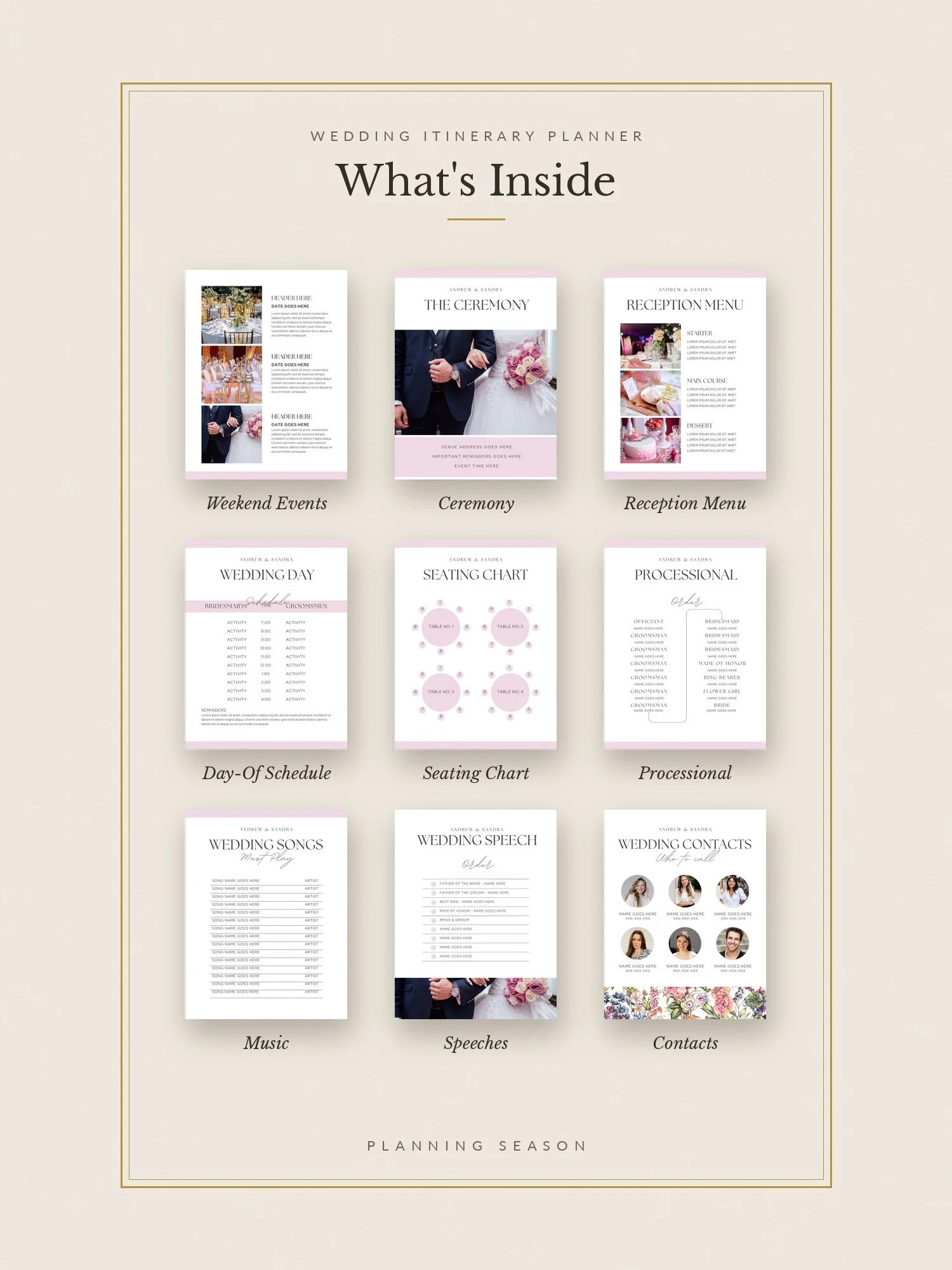
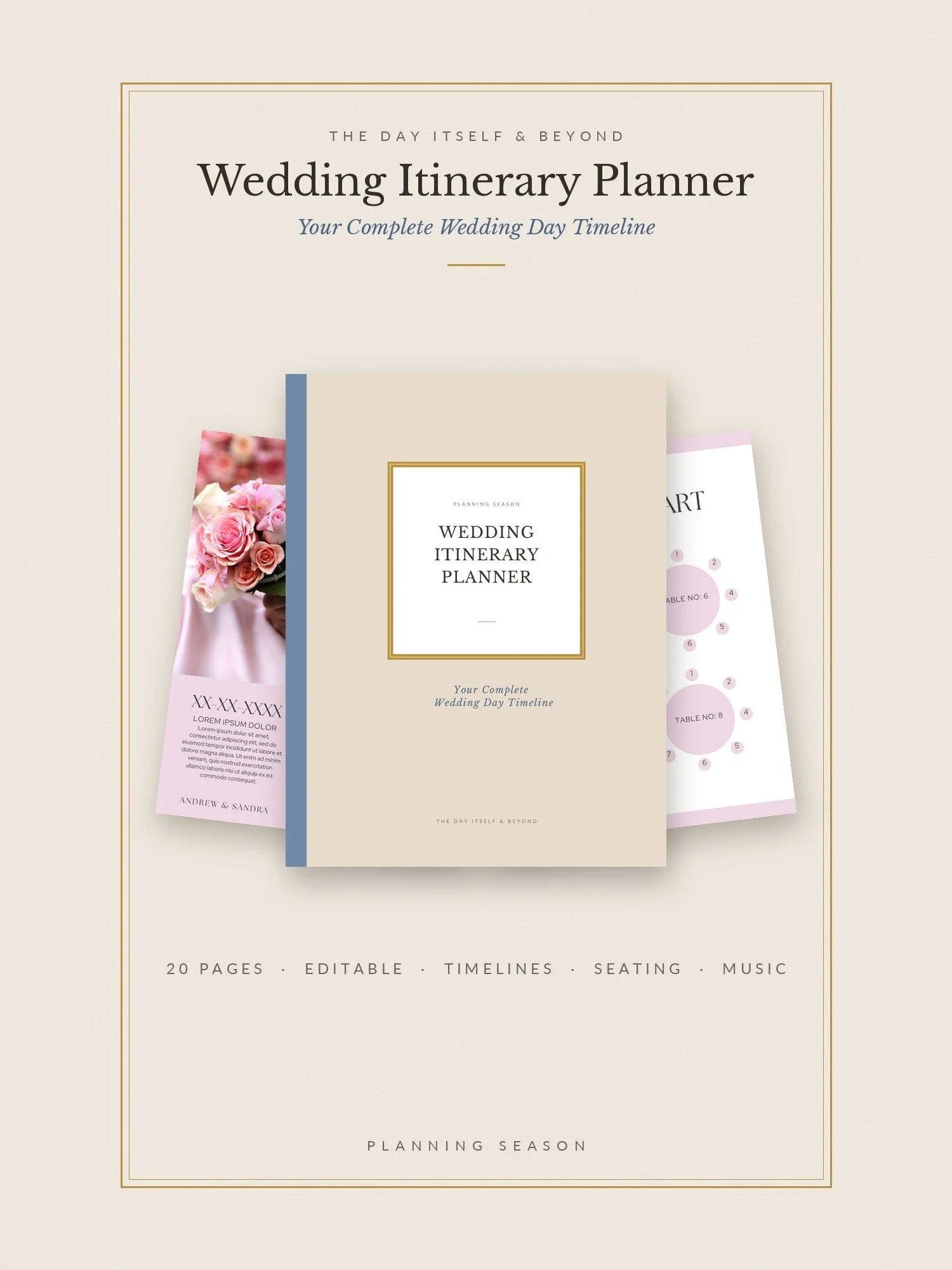
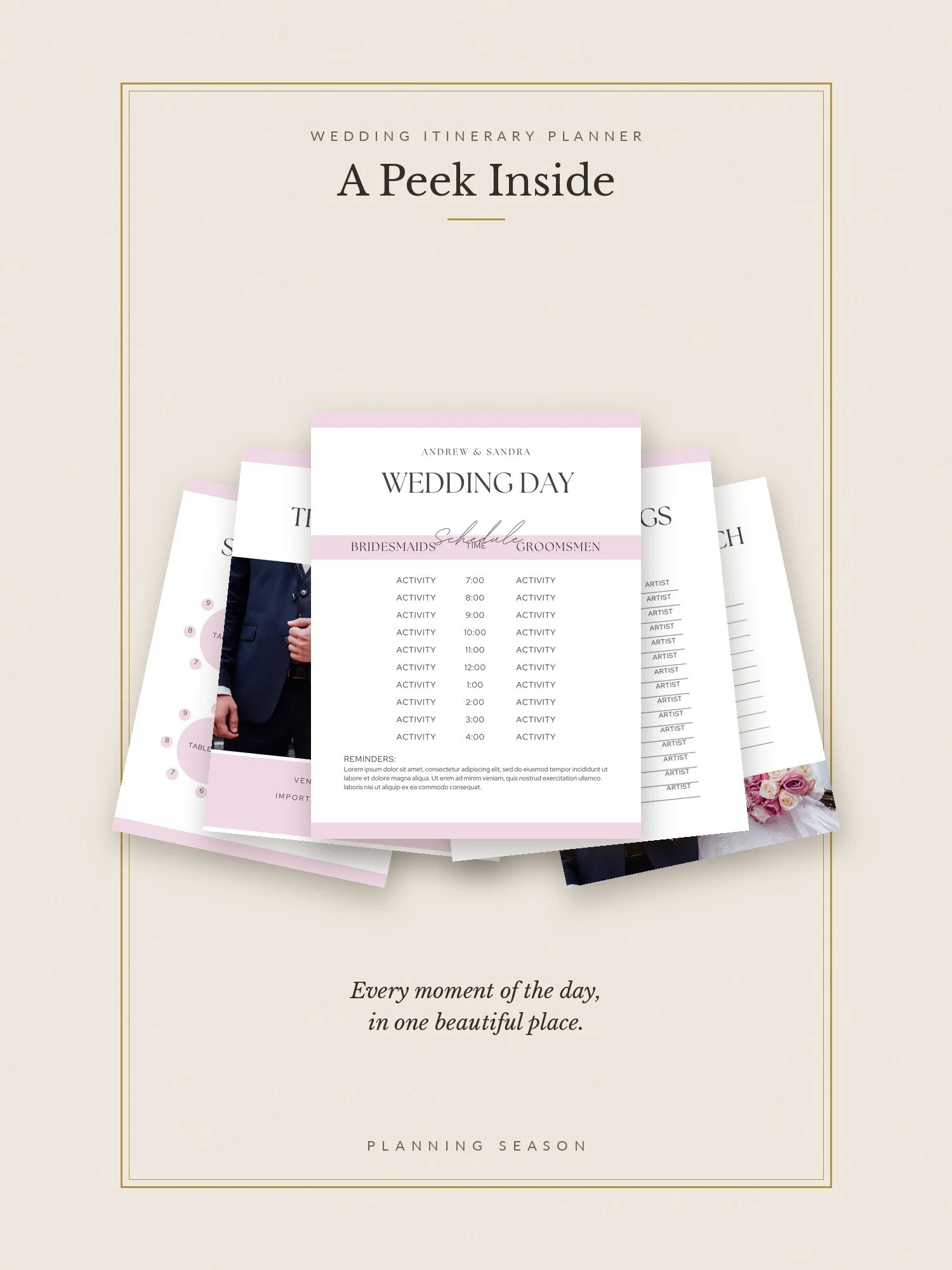
• Wedding Itinerary Planner: an editable Canva template for the day, hour by hour
• The Wedding Day Timeline (interactive): one clock for every vendor
• The Wedding Music Cue Sheet (interactive): every song, mapped to its moment
• The Wedding Week Countdown Planner (interactive): 149 tasks, from 30 days out to the day after
• Vendor Payment Tracker (interactive): who's owed what, and when
• The Wedding Vendor Tipping Calculator (interactive): who gets tipped, and how much
• The Destination Wedding Guide: the place, the plan and the paperwork for marrying away from home
• The Honeymoon Guide: research, itinerary, budget and packing
BONUS: CEREMONY CRAFTER
Write your ceremony section by section, from the processional to the recessional. Borrow wording when you're stuck, watch the running time as you go, and print a clean, ready-to-read script for your officiant. Your draft saves as you work.
HOW IT WORKS
1. Check out, and your Start Here guide downloads instantly.
2. Download every guide in one click: one zip file, sorted into six section folders.
3. Open the interactive tools straight from the links. They work on any phone or computer.
GOOD TO KNOW
• Digital product. Nothing will be shipped.
• The tools save your entries in your own browser, so use the same device to pick up where you left off.
• Some templates open in Canva or Google Sheets. Free accounts work.
HOW IT'S DELIVERED
1. Instantly, by email. Right after checkout you'll get your download link on the confirmation page and in your inbox.
2. Start Here guide. Your first download is a Start Here PDF with every link in one place.
3. All guides in one click. One zip file, sorted into six section folders. Open them on any device, or print them.
4. Interactive tools in your browser. Tap a link and the tool opens on your phone or computer. There's nothing to install and no app to download.
No subscriptions needed. You don't need Canva Pro, a paid app or any monthly plan. The mood board and itinerary templates open in Canva with a free account, and the timeline opens in Google Sheets with a free Google account.
Save your Start Here PDF to your phone or computer as soon as it downloads. Every link inside it works for as long as you need it, even after the download link expires.
Upgrade credit: applies to guides and tools that are part of The Wedding Planning System, as a discount on the System, not a refund. The Dream Edit is sold separately and isn’t included in the System, so it isn’t eligible for upgrade credit. To upgrade, email hello@planningseason.studio with your order number.
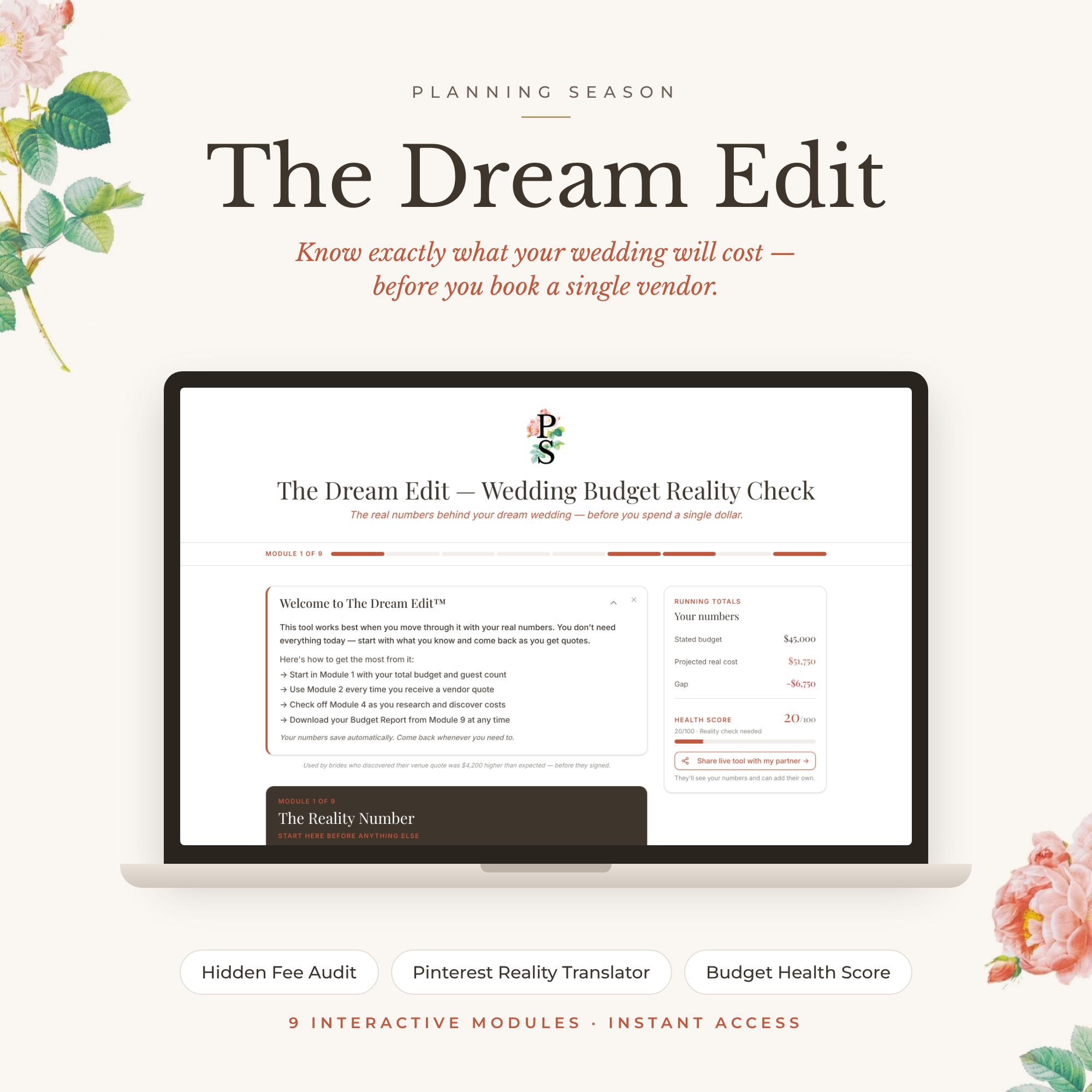
Please note: This tool provides estimates for educational and planning purposes only. Actual wedding costs vary, and figures are not guaranteed. Verify vendor prices, contracts, fees, taxes, and payment terms before making financial commitments. You are responsible for your own spending decisions. Planning Season does not provide personalized financial, legal, or tax advice.
Order changes everything.
The Wedding Planning System is 40 guides, tools and templates, arranged in the order a wedding actually unfolds: 22 guides and workbooks, 15 interactive tools that do the math for you, and 3 editable templates. It runs from engagement to wedding day, so you always know what to decide next.
Instant download. Every tool opens in your browser on your phone or computer, with nothing to install.
WHY ORDER
Most wedding planning goes wrong in the sequence, not in the decisions themselves. Book the photographer before the venue and you may find they're not free on your date. Set a budget before you know your guest count and the numbers never add up. Choose flowers before your colors and you'll pay twice. The Planning Season Wedding Plan puts every decision in its right place, so each choice makes the next one easier.
WHAT'S INSIDE
BEGIN HERE
• The Planning Season Map: how to use everything, and what to decide in what order
• The First Decision: the one question to answer before you book, buy or budget anything
• The Newly Engaged Set: the Blueprint and the Workbook for your vision, budget and priorities
• The Wedding Journal: for the parts of planning that aren't logistics
• Wedding Date Finder (interactive): the date that actually works
THE COMPENDIUM
• The Wedding Compendium: 118 pages, 27 steps, the anchor of the whole system
• Wedding Timeline Google Sheet: your linked planning timeline
THE BIG DECISIONS
• The Wedding Budget Guide & Checklist: your budget, structured around your priorities
• The Wedding Venue Guide: the 18 factors that matter, in the order to weigh them
• The Vendor Playbook: choosing vendors, what to ask them, and the red flags
• Ask This, Not That: smart questions for every vendor meeting
• The Wedding Details Planner: your central planning workspace
• Our Wedding Binder: two editions, one to print and one digital with clickable tabs
• Who Pays for What (interactive): plan family contributions without the awkwardness
• Wedding Cost Per Person Calculator (interactive): what each guest really costs
• Wedding Venue Minimums Tracker (interactive): every venue's minimums, side by side
• Wedding Vendor Comparison Tracker (interactive): every quote and reference in one place
• The Vendor Reality Check (interactive): a gut-check before you sign the contract
WEDDING DESIGN
• The Wedding Design Guide: spending, photography, flowers, attire, invitations and ceremony
• The Wedding Style Quiz (interactive): discover your wedding style
• 20 Wedding Mood Board Templates: editable in Canva, each in a different theme
GUESTS & WEDDING PARTY
• The Seating, Meals & Guest List Workbook: from the first draft list to the final chart
• The Seating Plan (interactive): build the chart table by table
• RSVP & Meal Count Tracker (interactive): responses and meal choices, always current
• Wedding Bar Calculator (interactive): exactly how much to buy
• The Groom's Wedding Day Checklist
• The Mother of the Bride Checklist
• The Maid of Honor Checklist and Maid of Honor Spreadsheets
THE DAY ITSELF, AND BEYOND
• Wedding Day Florist Checklist: every flower, accounted for
• Wedding Itinerary Planner: an editable Canva template for the day, hour by hour
• The Wedding Day Timeline (interactive): one clock for every vendor
• The Wedding Music Cue Sheet (interactive): every song, mapped to its moment
• The Wedding Week Countdown Planner (interactive): 149 tasks, from 30 days out to the day after
• Vendor Payment Tracker (interactive): who's owed what, and when
• The Wedding Vendor Tipping Calculator (interactive): who gets tipped, and how much
• The Destination Wedding Guide: the place, the plan and the paperwork for marrying away from home
• The Honeymoon Guide: research, itinerary, budget and packing
BONUS: CEREMONY CRAFTER
Write your ceremony section by section, from the processional to the recessional. Borrow wording when you're stuck, watch the running time as you go, and print a clean, ready-to-read script for your officiant. Your draft saves as you work.
HOW IT WORKS
1. Check out, and your Start Here guide downloads instantly.
2. Download every guide in one click: one zip file, sorted into six section folders.
3. Open the interactive tools straight from the links. They work on any phone or computer.
GOOD TO KNOW
• Digital product. Nothing will be shipped.
• The tools save your entries in your own browser, so use the same device to pick up where you left off.
• Some templates open in Canva or Google Sheets. Free accounts work.
HOW IT'S DELIVERED
1. Instantly, by email. Right after checkout you'll get your download link on the confirmation page and in your inbox.
2. Start Here guide. Your first download is a Start Here PDF with every link in one place.
3. All guides in one click. One zip file, sorted into six section folders. Open them on any device, or print them.
4. Interactive tools in your browser. Tap a link and the tool opens on your phone or computer. There's nothing to install and no app to download.
No subscriptions needed. You don't need Canva Pro, a paid app or any monthly plan. The mood board and itinerary templates open in Canva with a free account, and the timeline opens in Google Sheets with a free Google account.
Save your Start Here PDF to your phone or computer as soon as it downloads. Every link inside it works for as long as you need it, even after the download link expires.
Upgrade credit: applies to guides and tools that are part of The Wedding Planning System, as a discount on the System, not a refund. The Dream Edit is sold separately and isn’t included in the System, so it isn’t eligible for upgrade credit. To upgrade, email hello@planningseason.studio with your order number.
Please note: This tool provides estimates for educational and planning purposes only. Actual wedding costs vary, and figures are not guaranteed. Verify vendor prices, contracts, fees, taxes, and payment terms before making financial commitments. You are responsible for your own spending decisions. Planning Season does not provide personalized financial, legal, or tax advice.

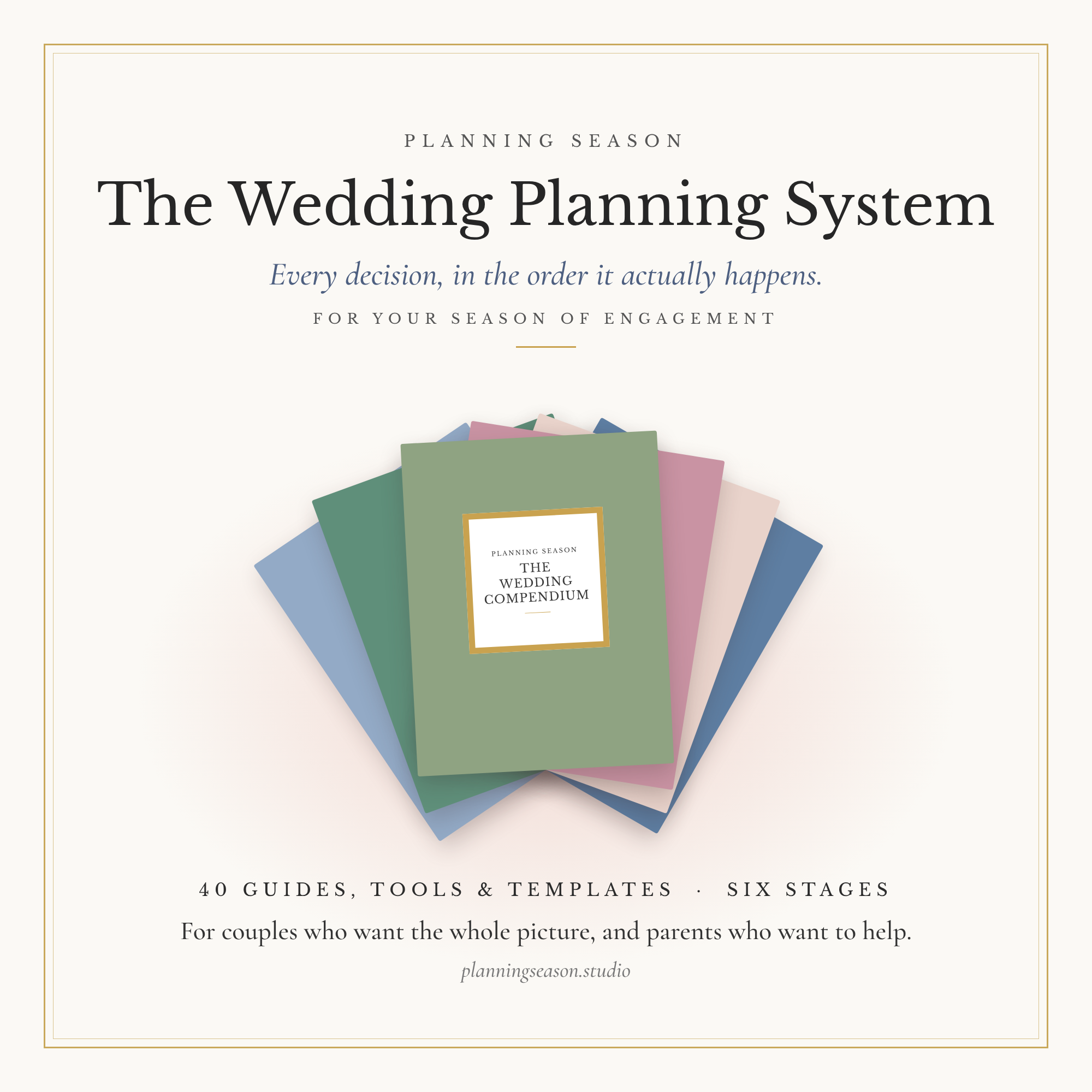 Image 1 of 44
 Image 2 of 44
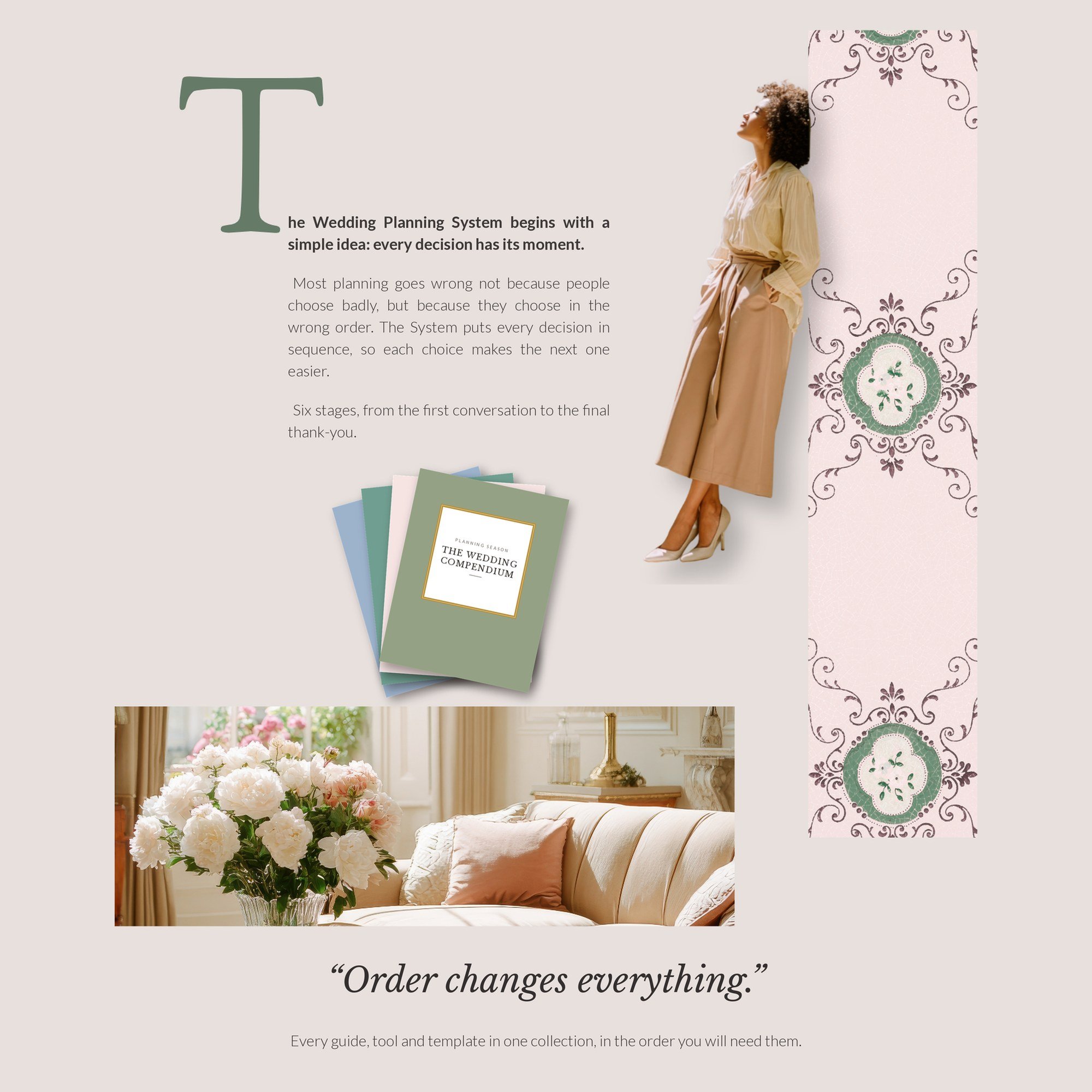 Image 3 of 44
 Image 4 of 44
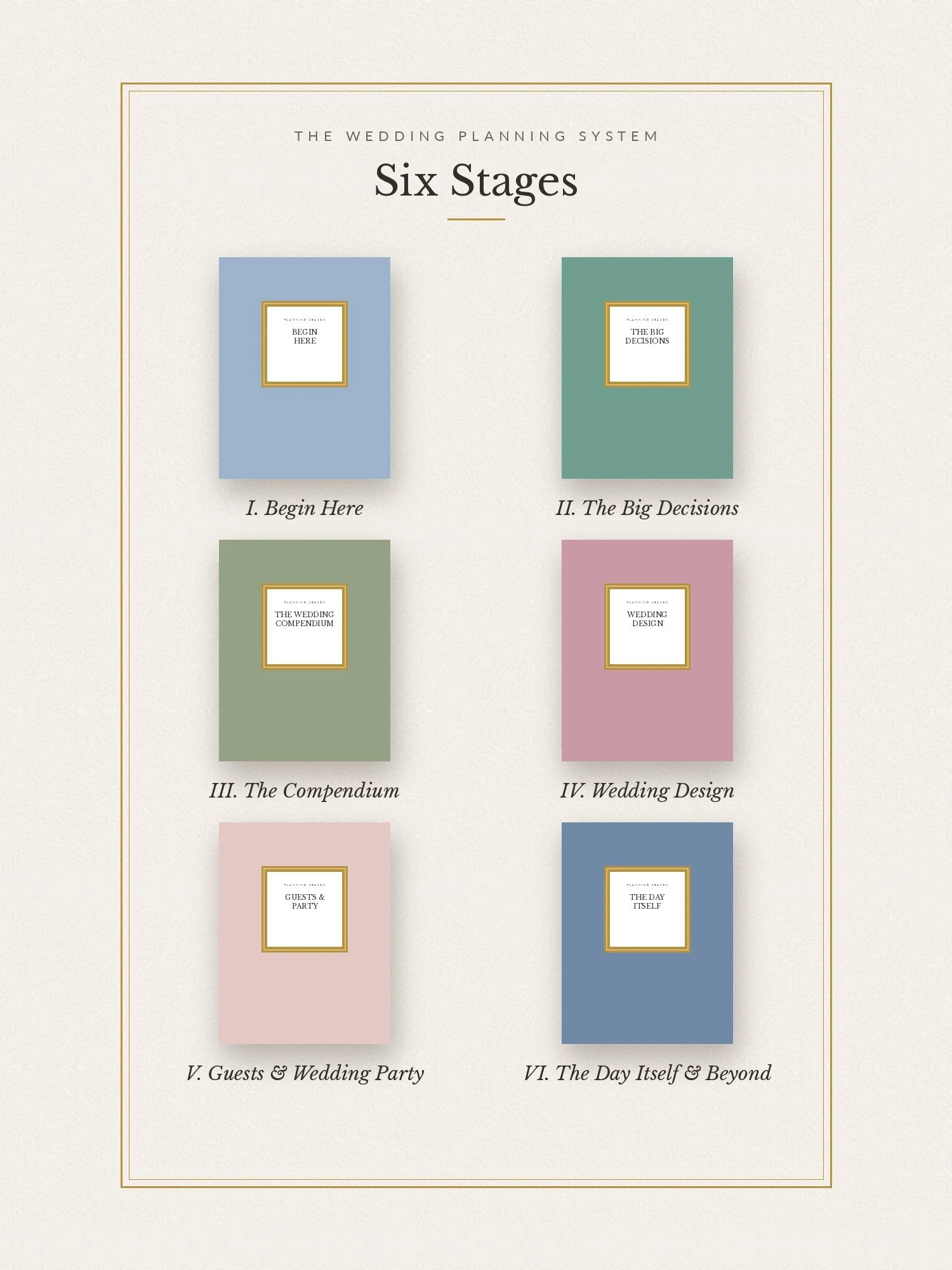 Image 5 of 44
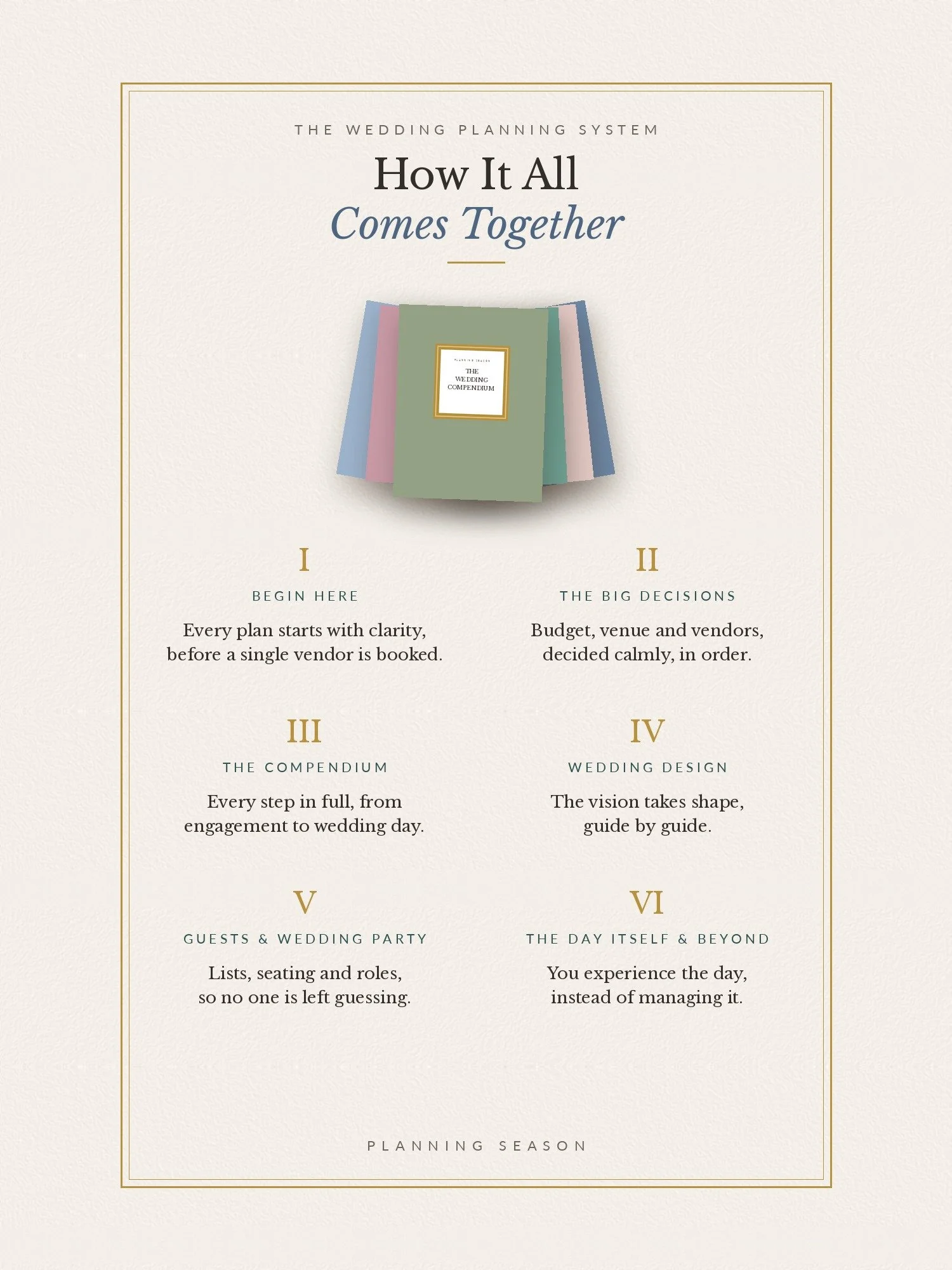 Image 6 of 44
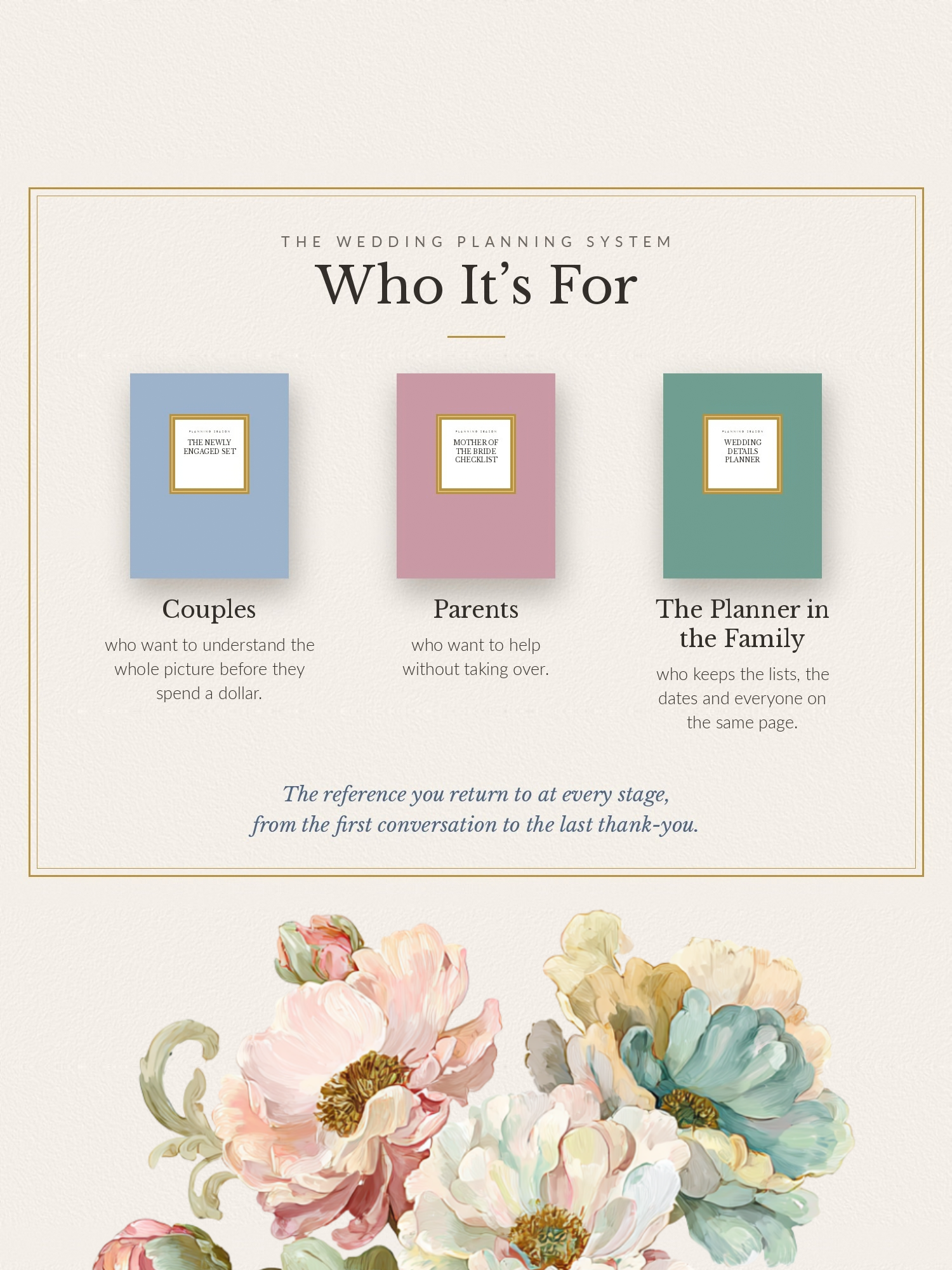 Image 7 of 44
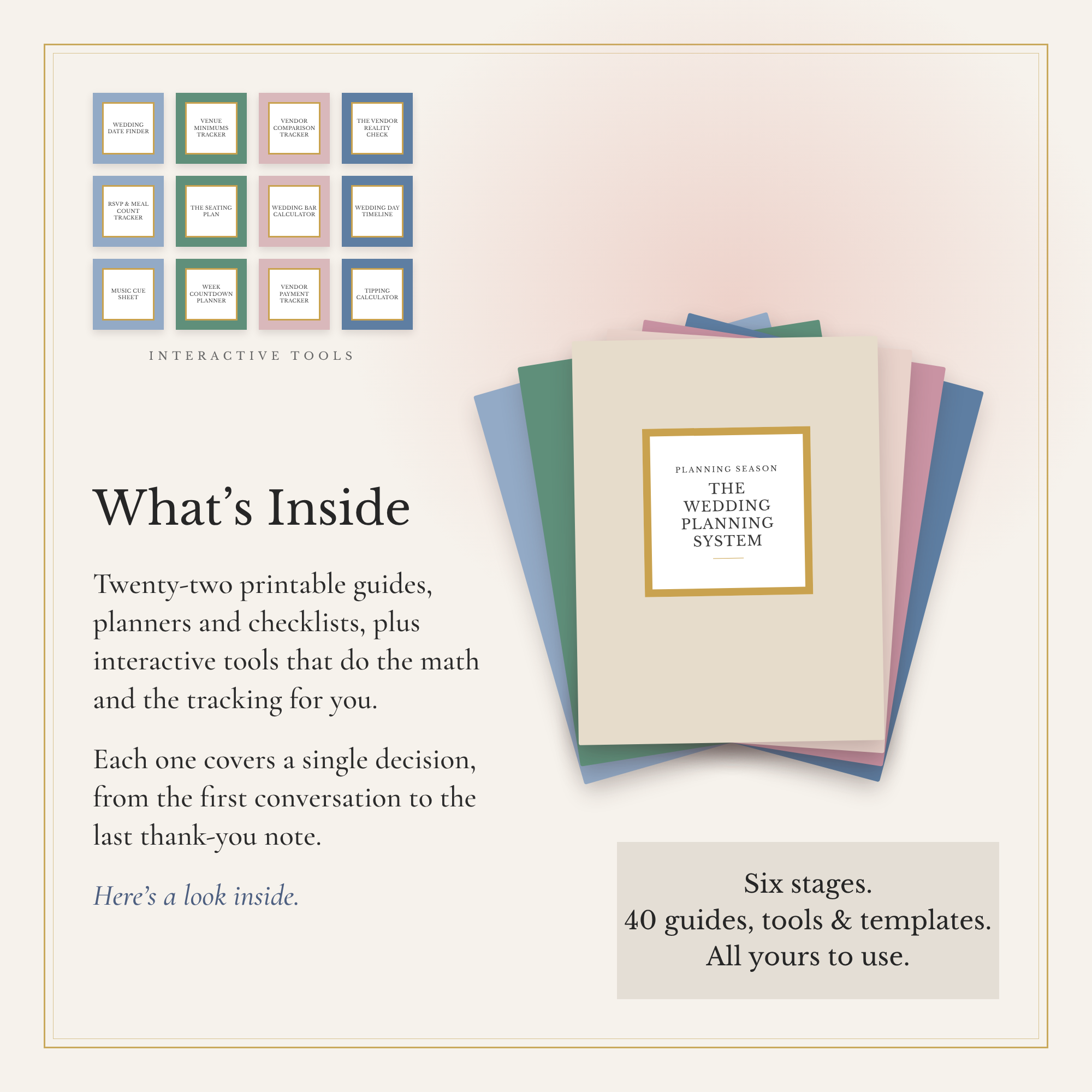 Image 8 of 44
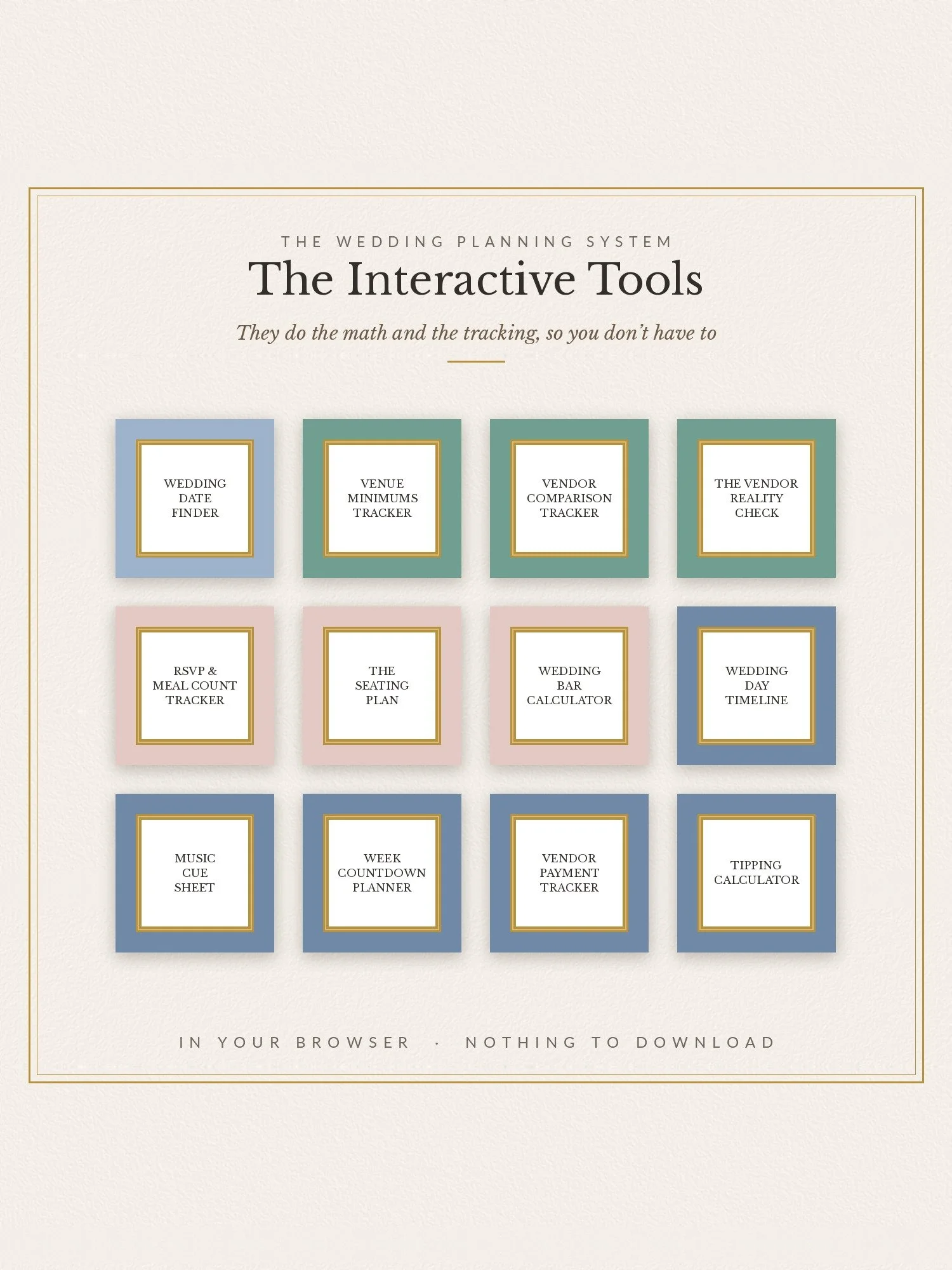 Image 9 of 44
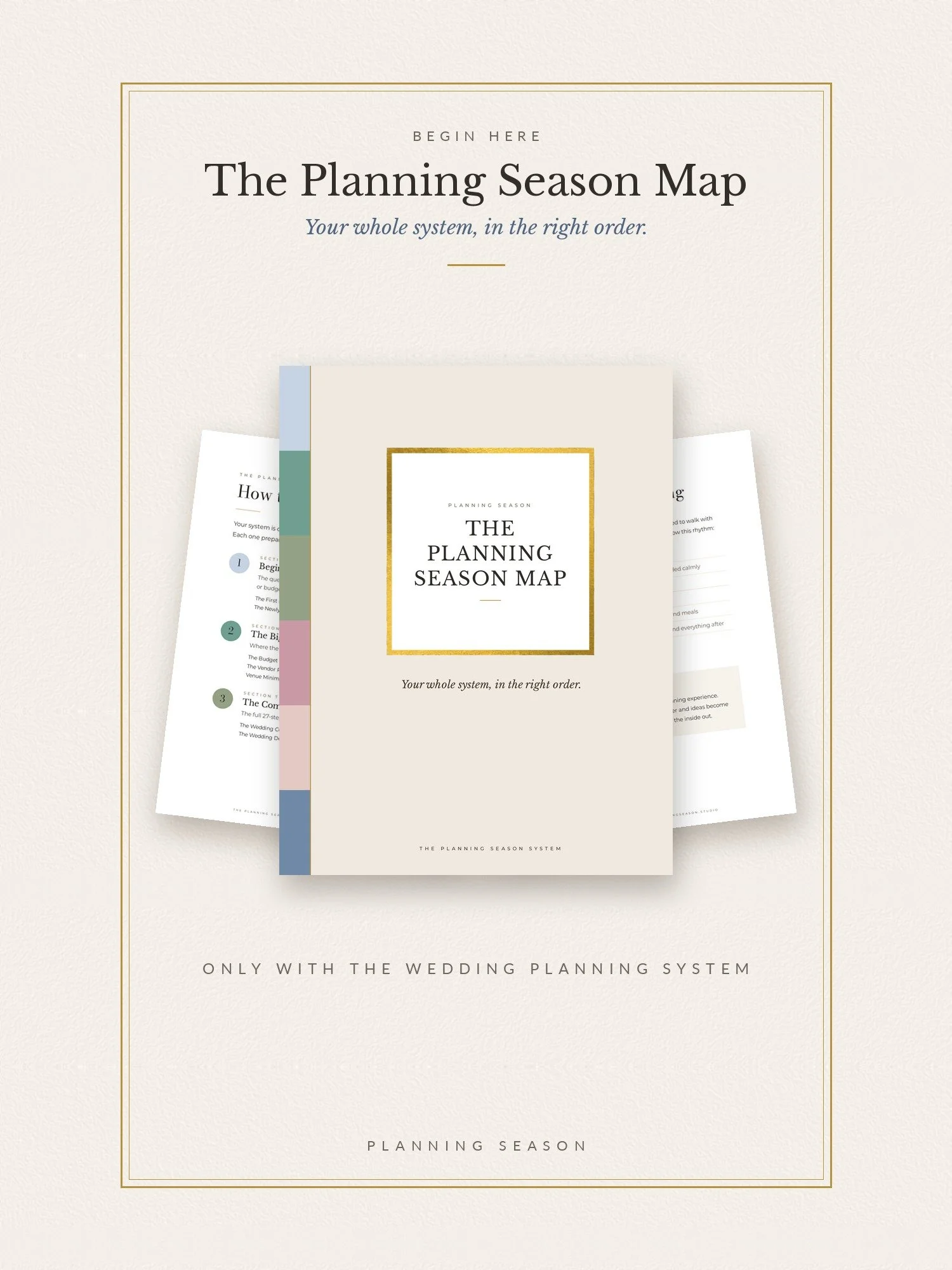 Image 10 of 44
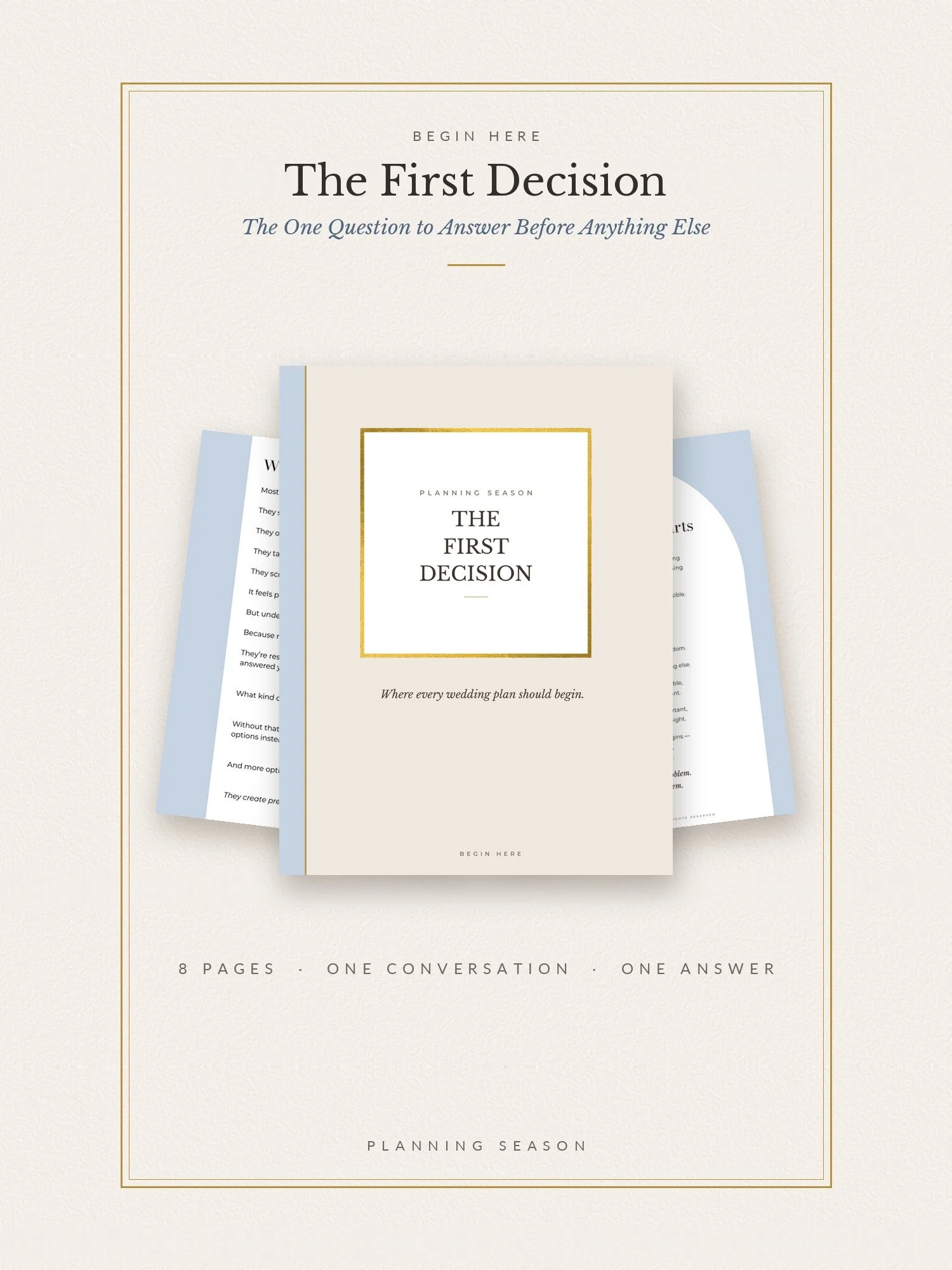 Image 11 of 44
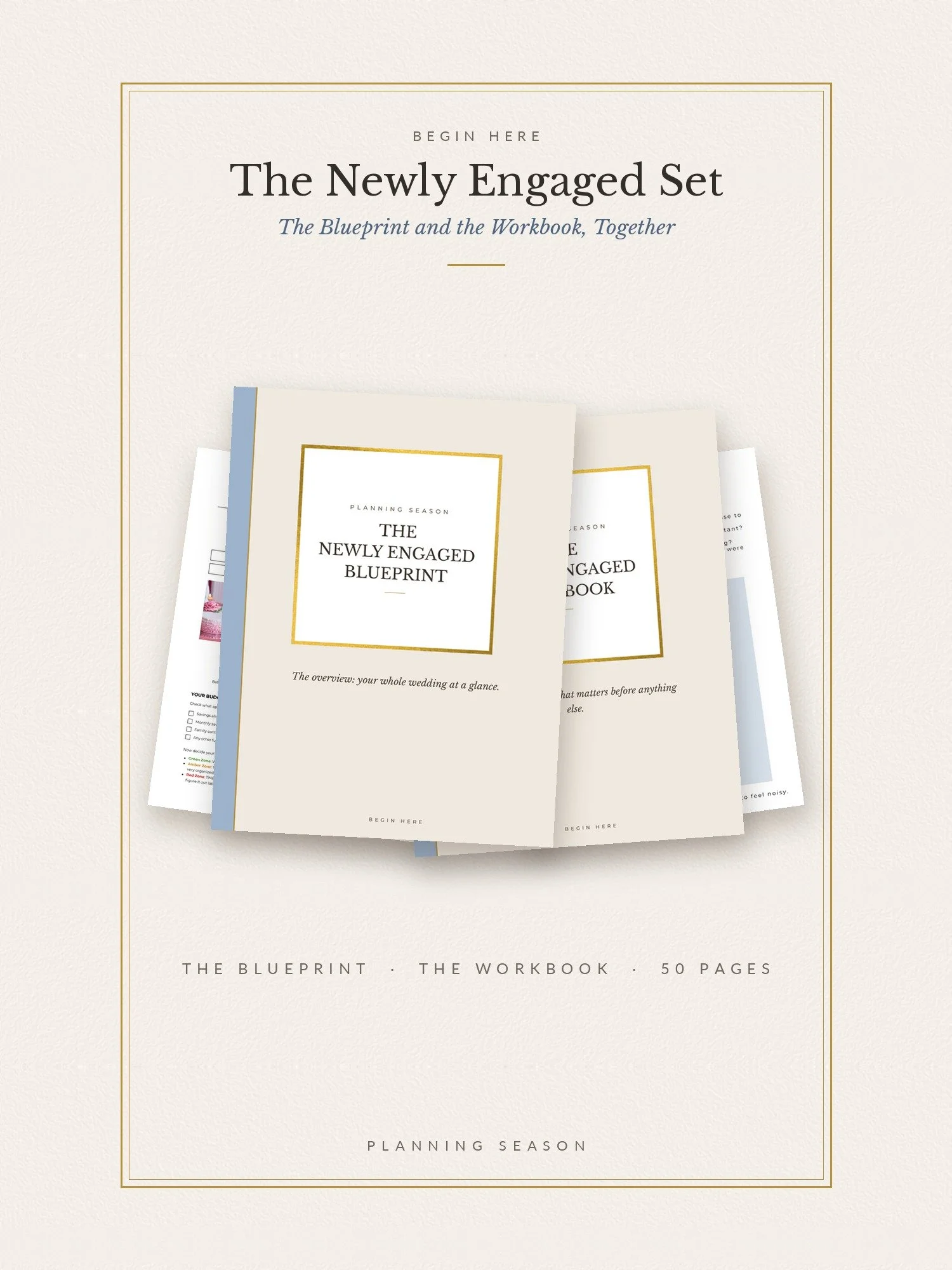 Image 12 of 44
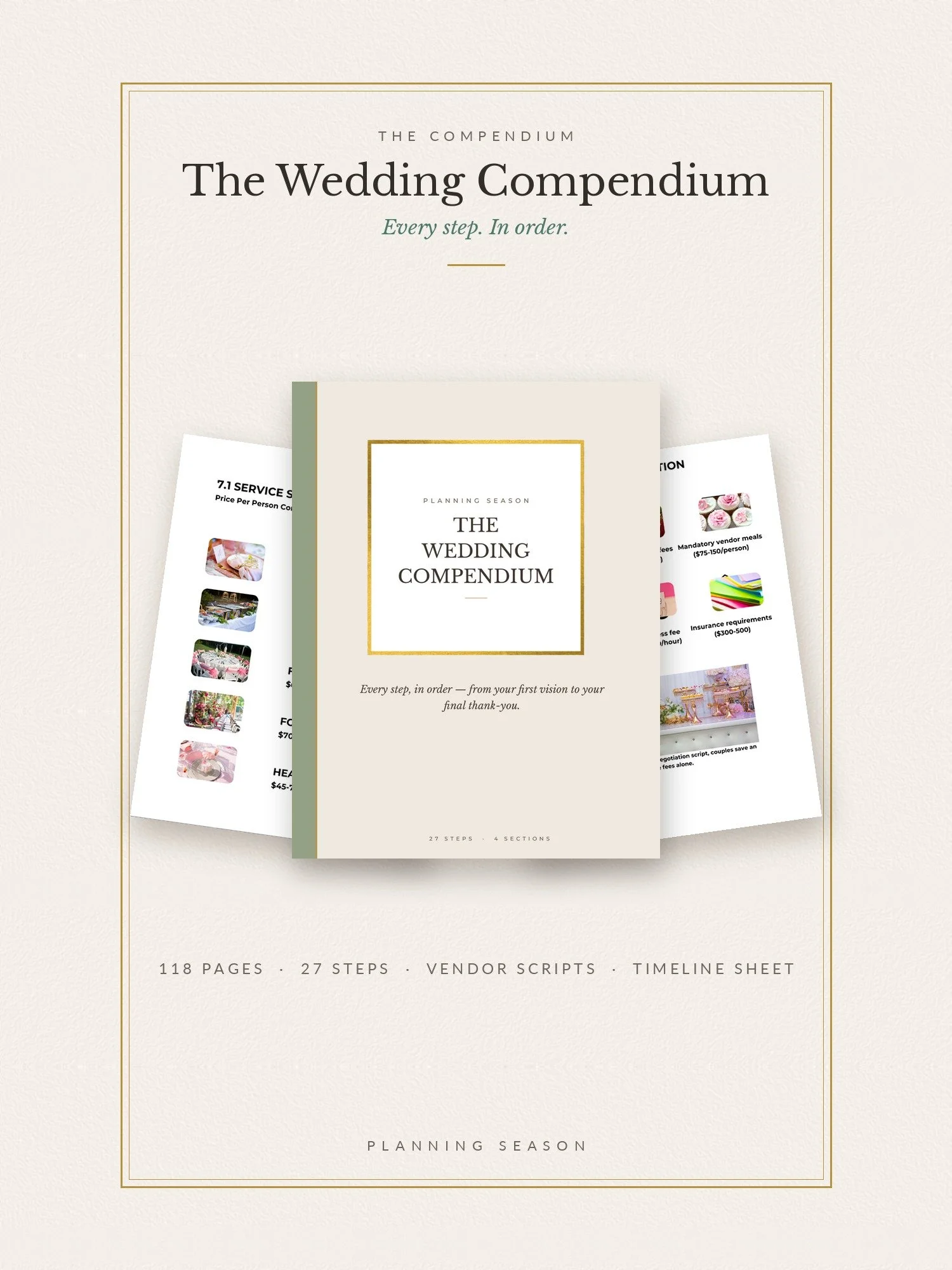 Image 13 of 44
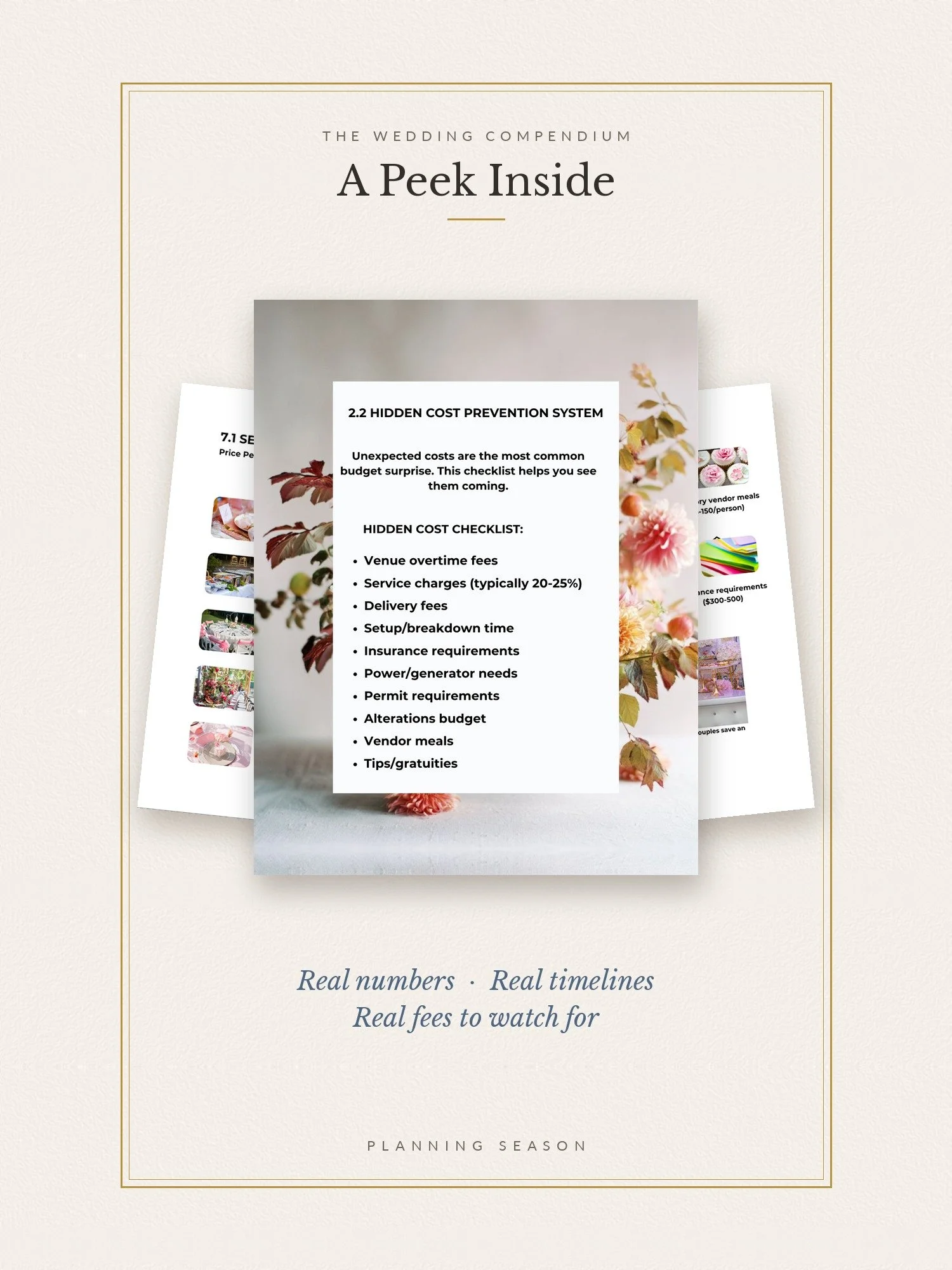 Image 14 of 44
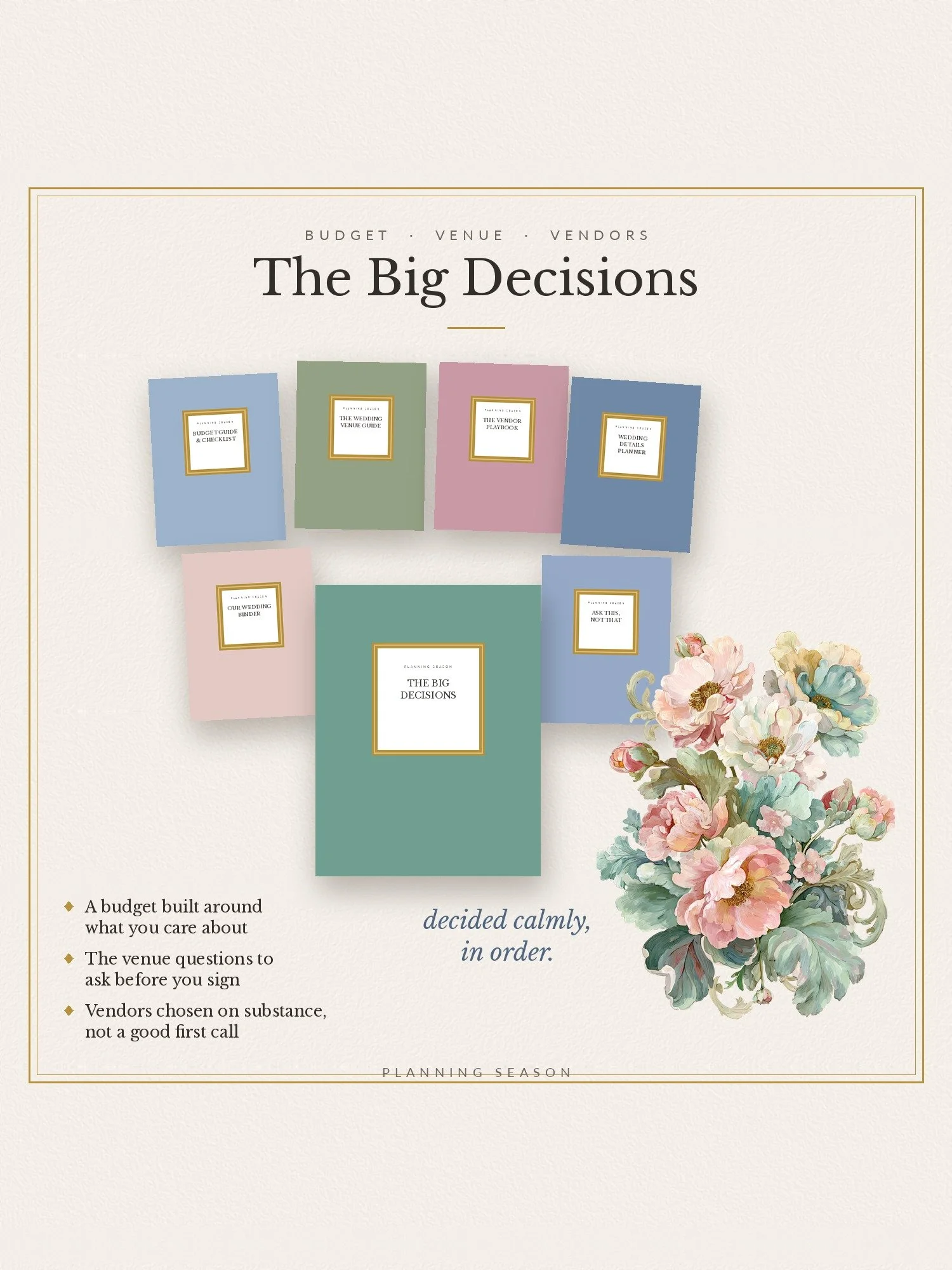 Image 15 of 44
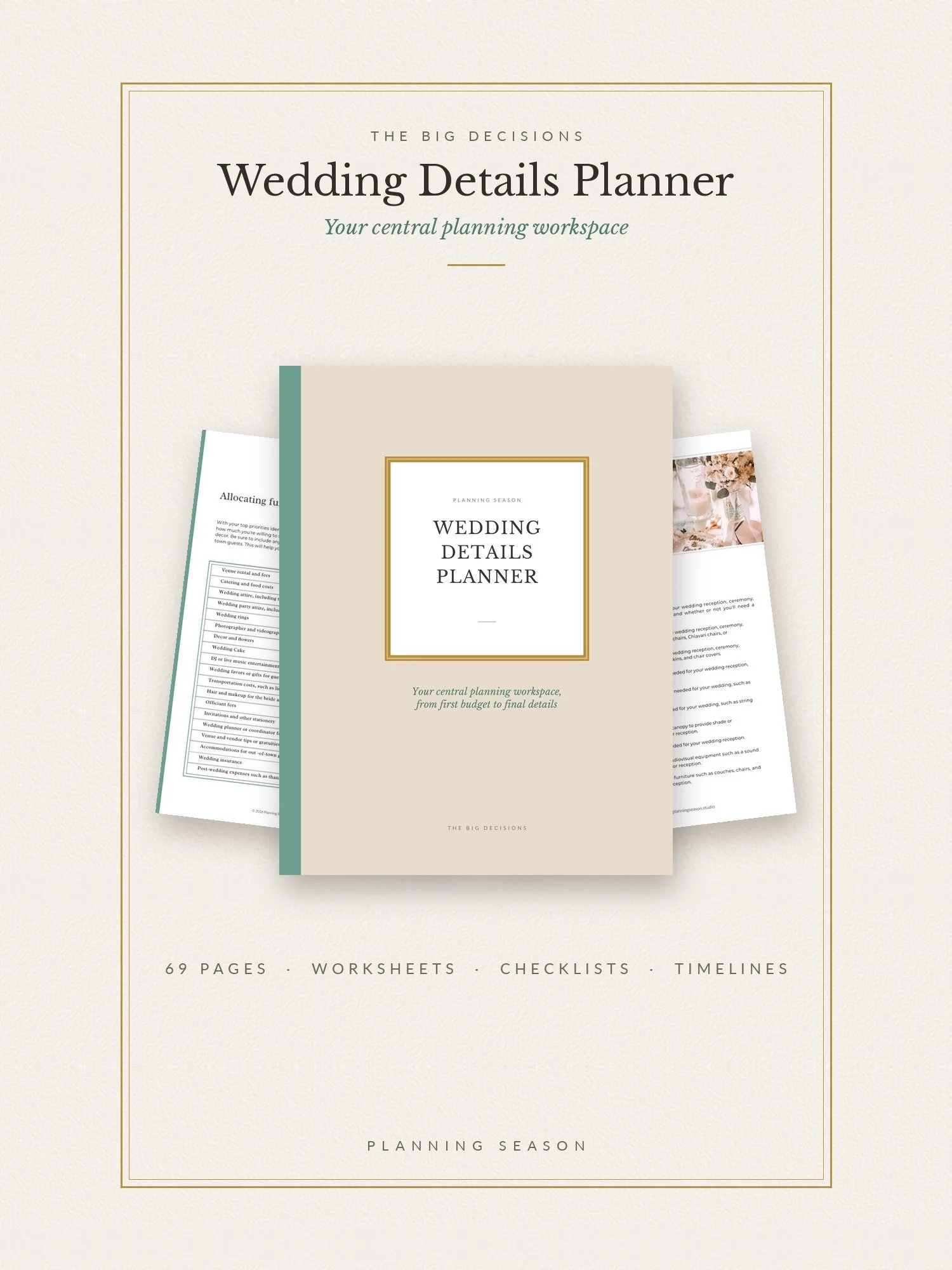 Image 16 of 44
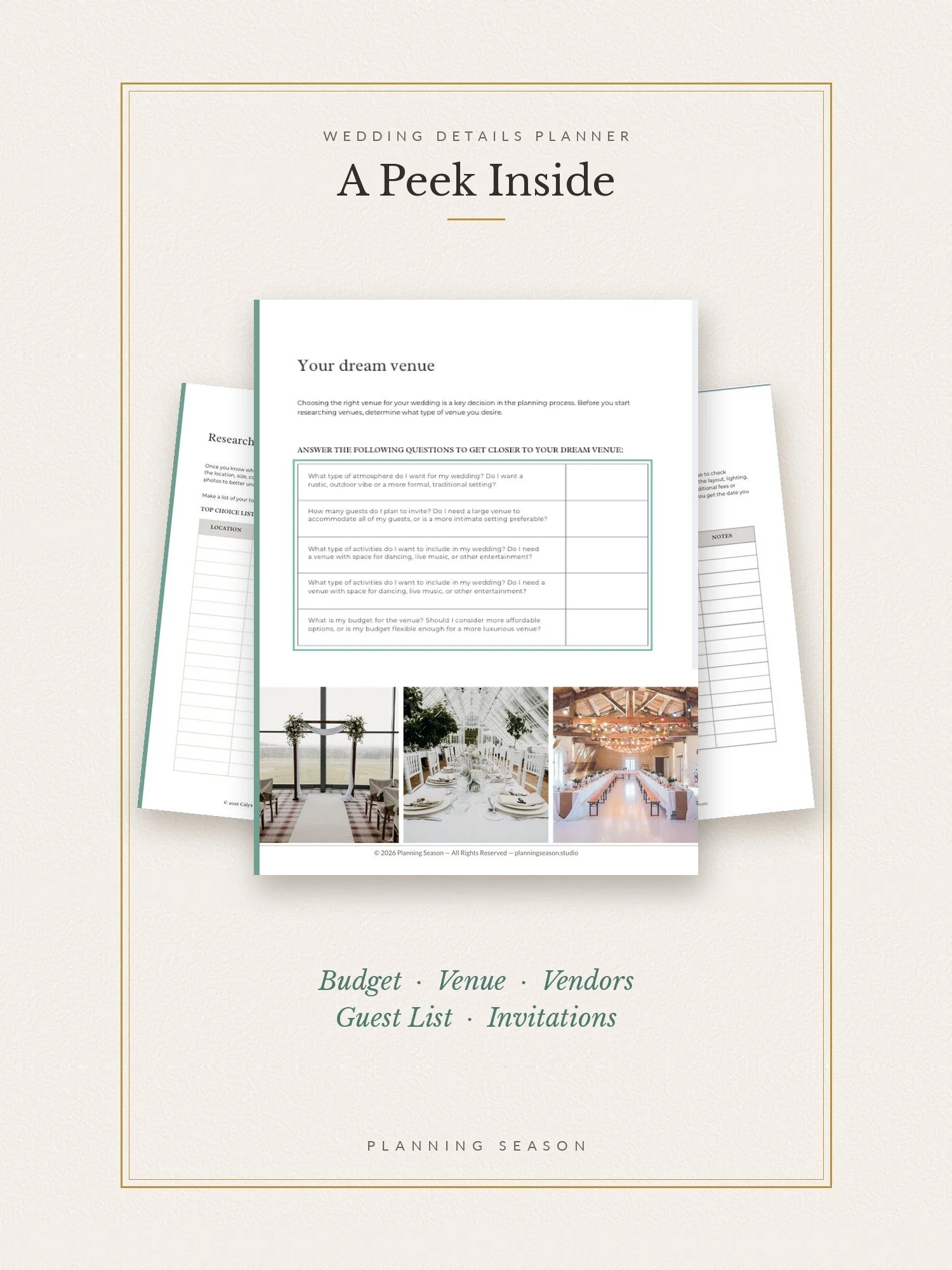 Image 17 of 44
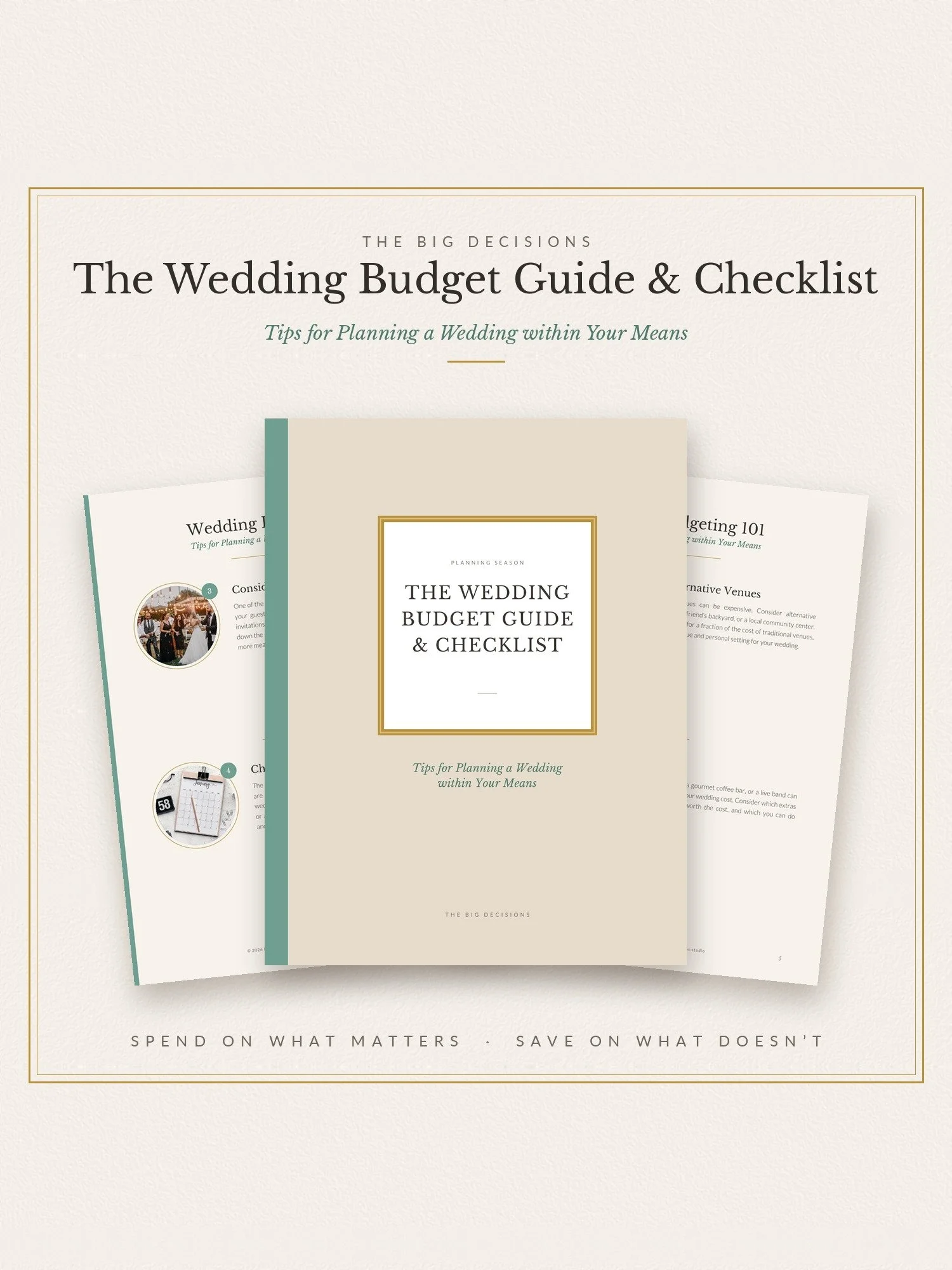 Image 18 of 44
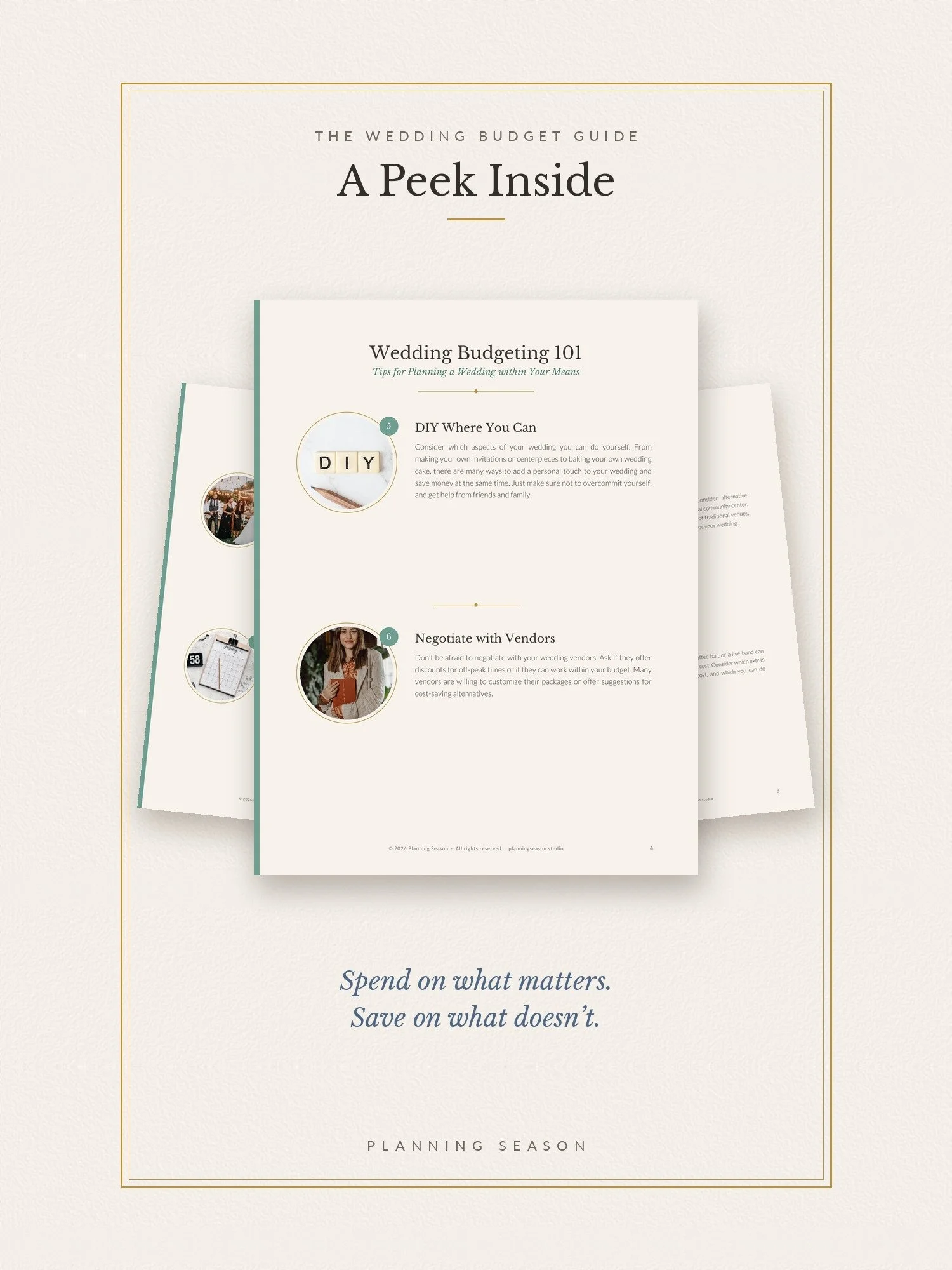 Image 19 of 44
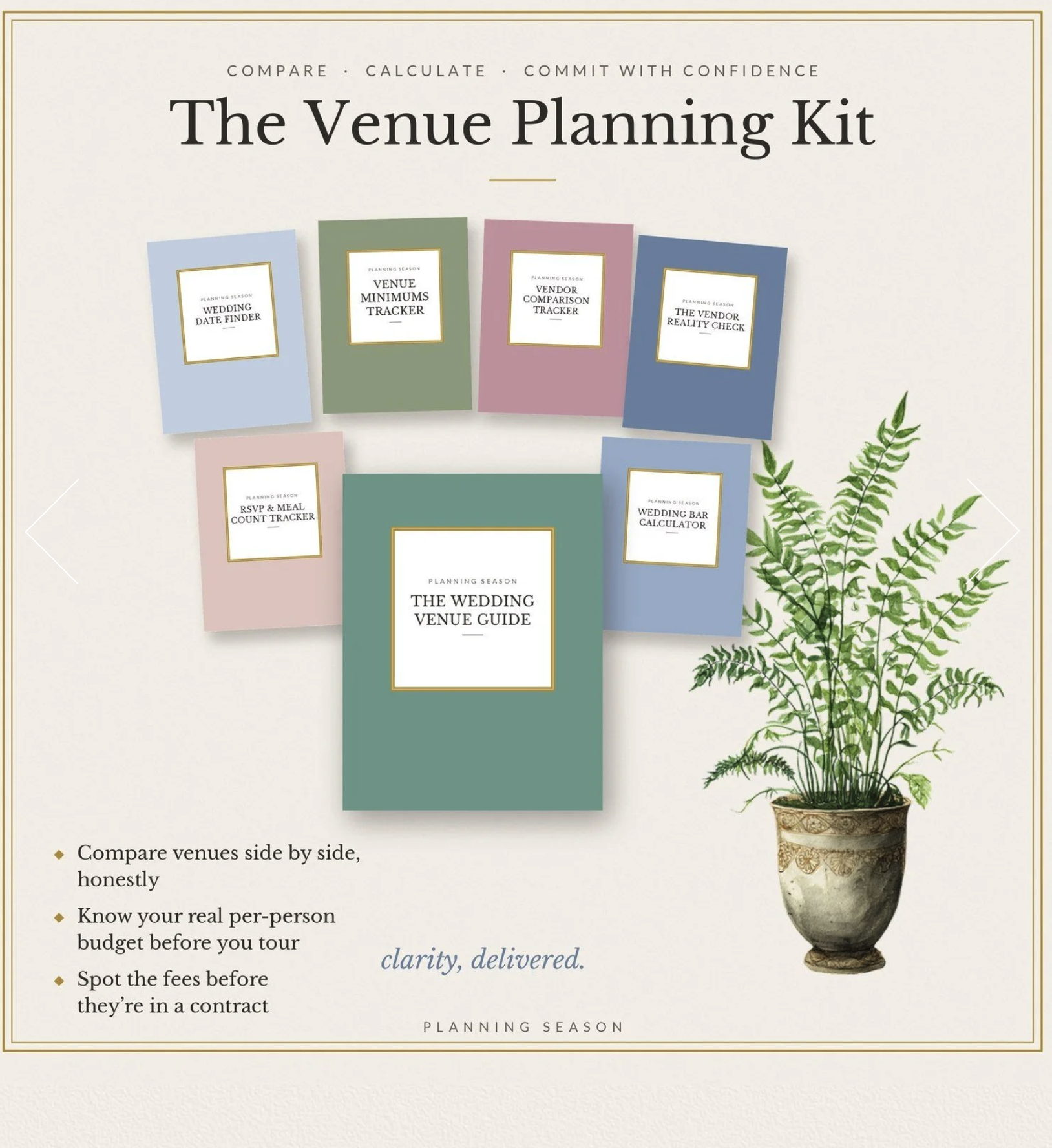 Image 20 of 44
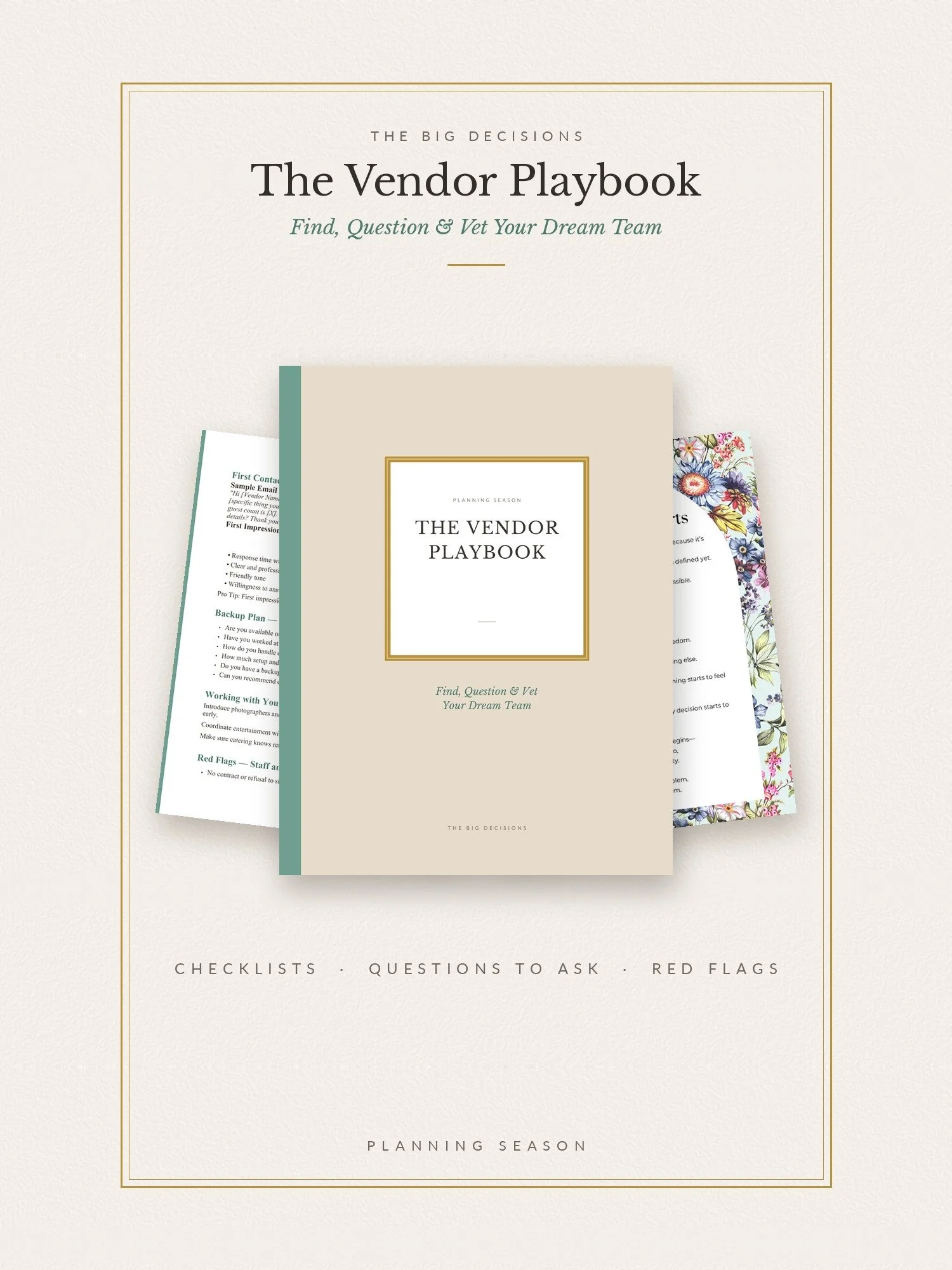 Image 21 of 44
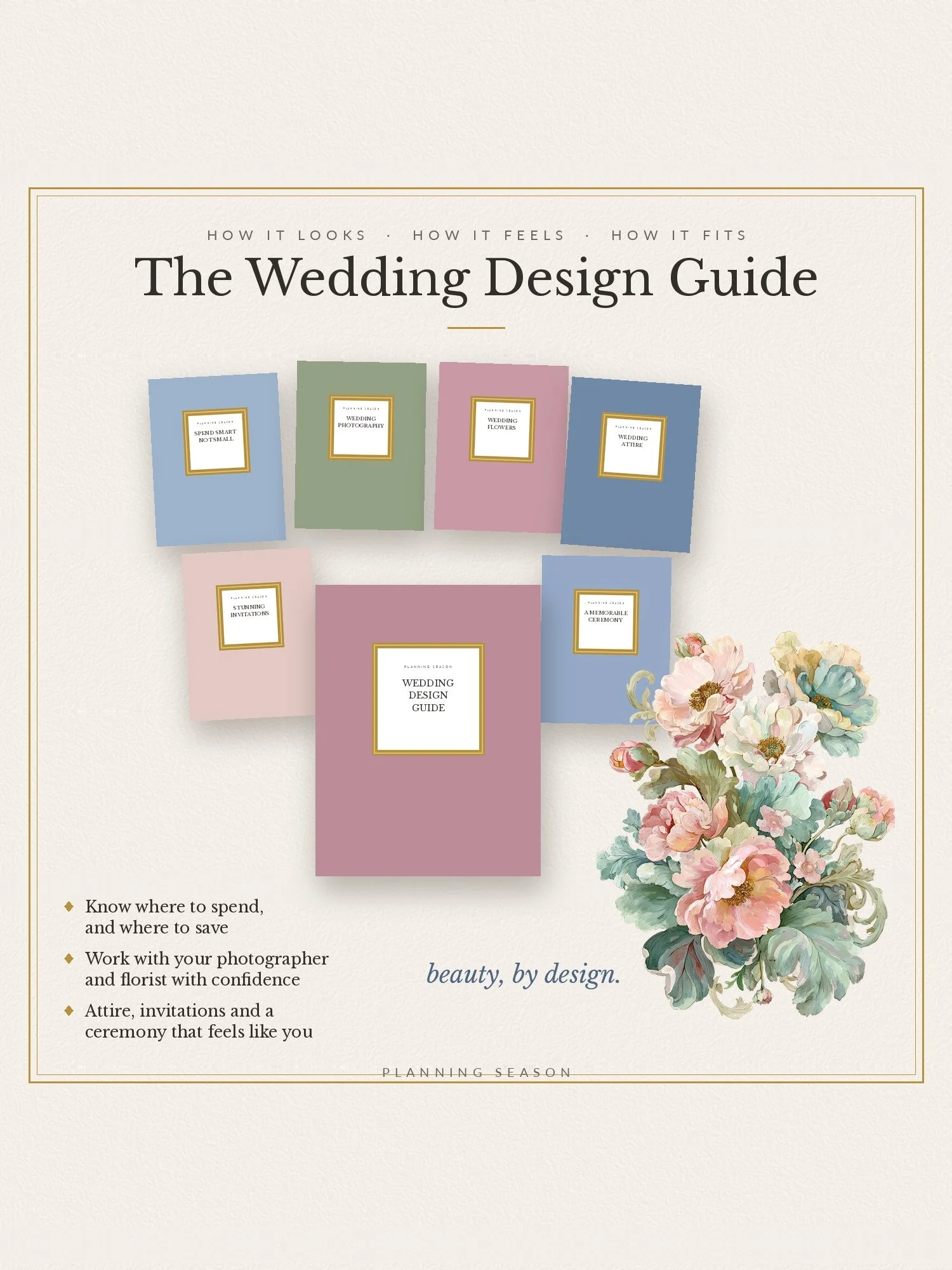 Image 22 of 44
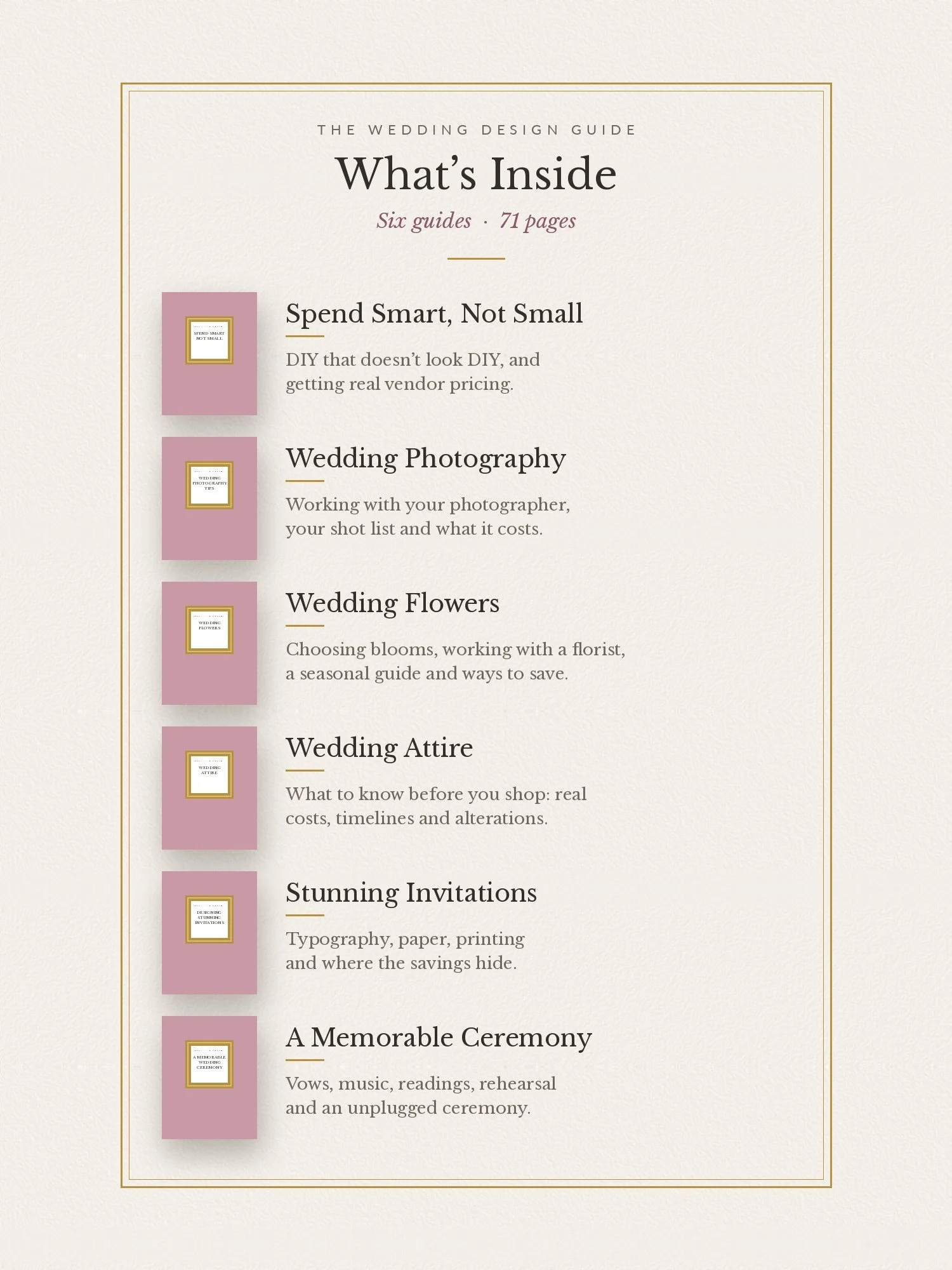 Image 23 of 44
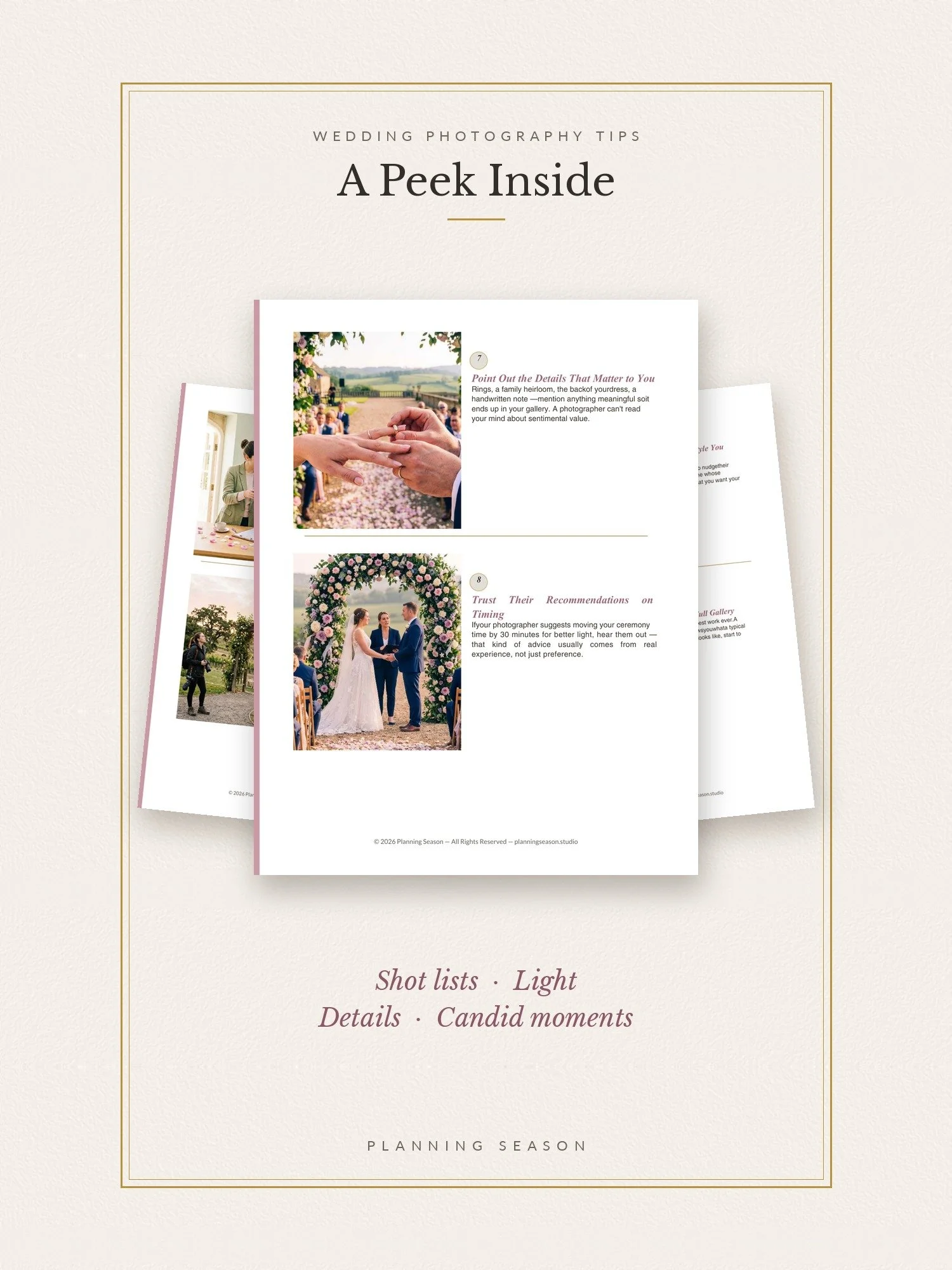 Image 24 of 44
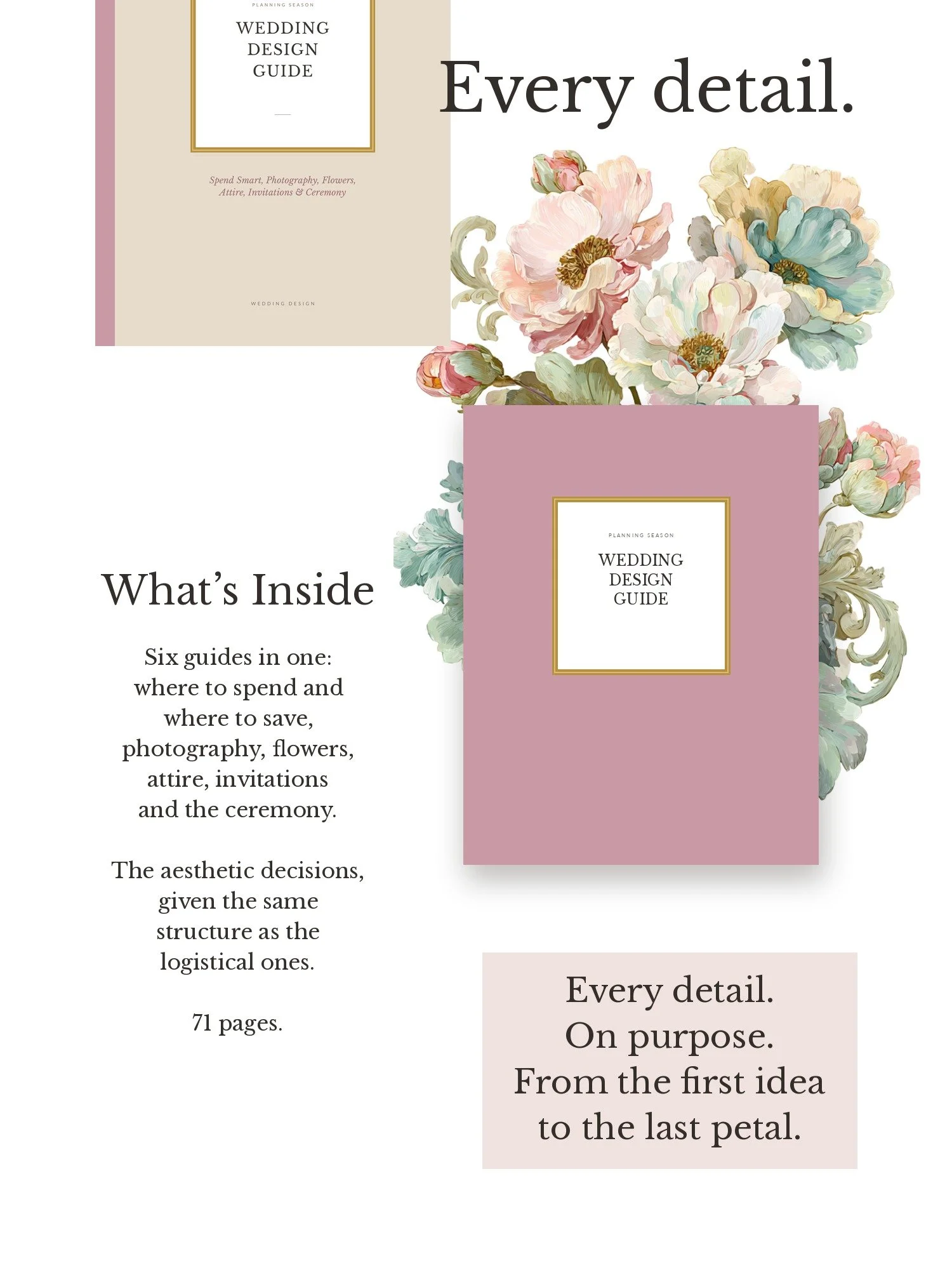 Image 25 of 44
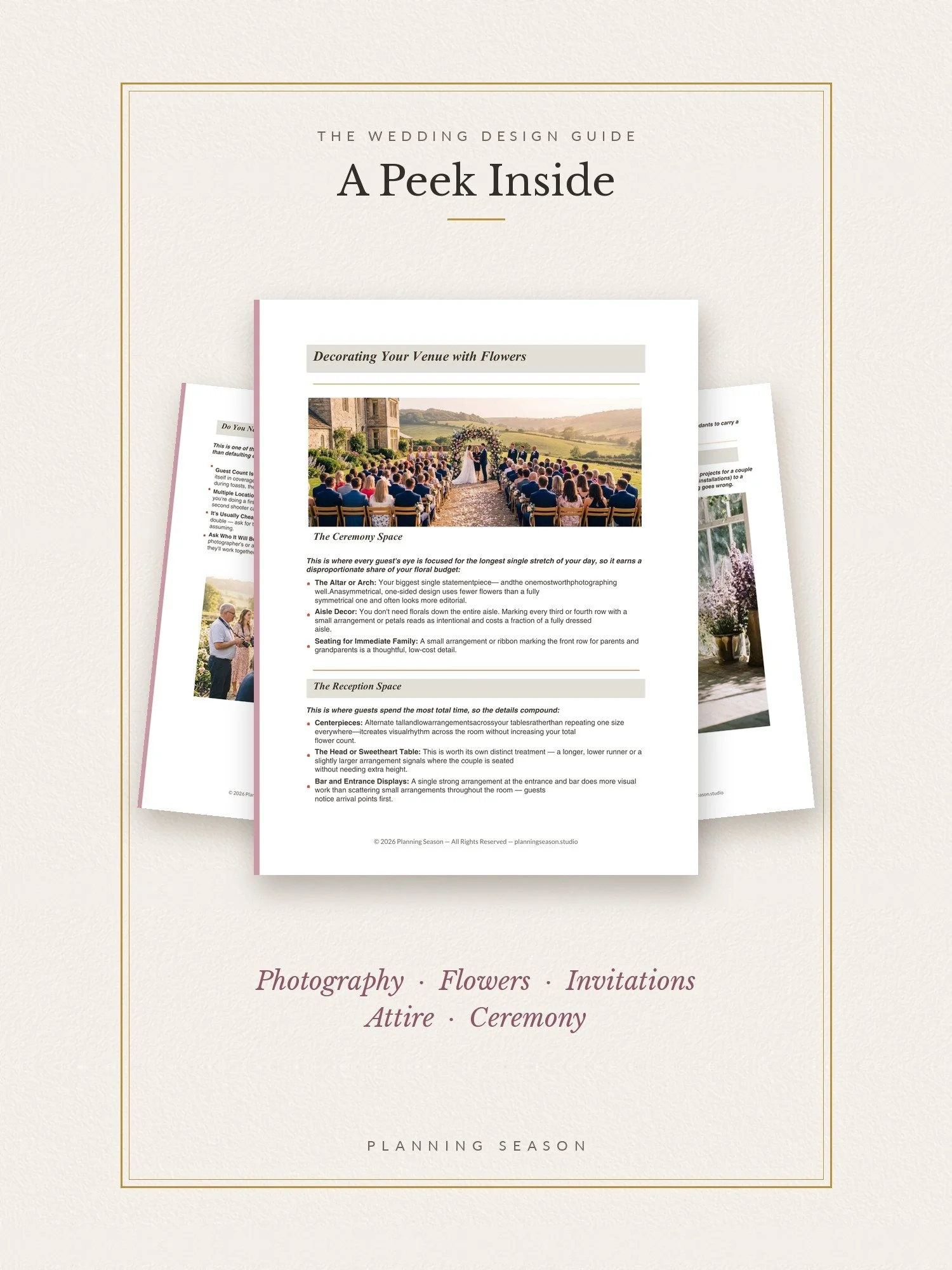 Image 26 of 44
 Image 27 of 44
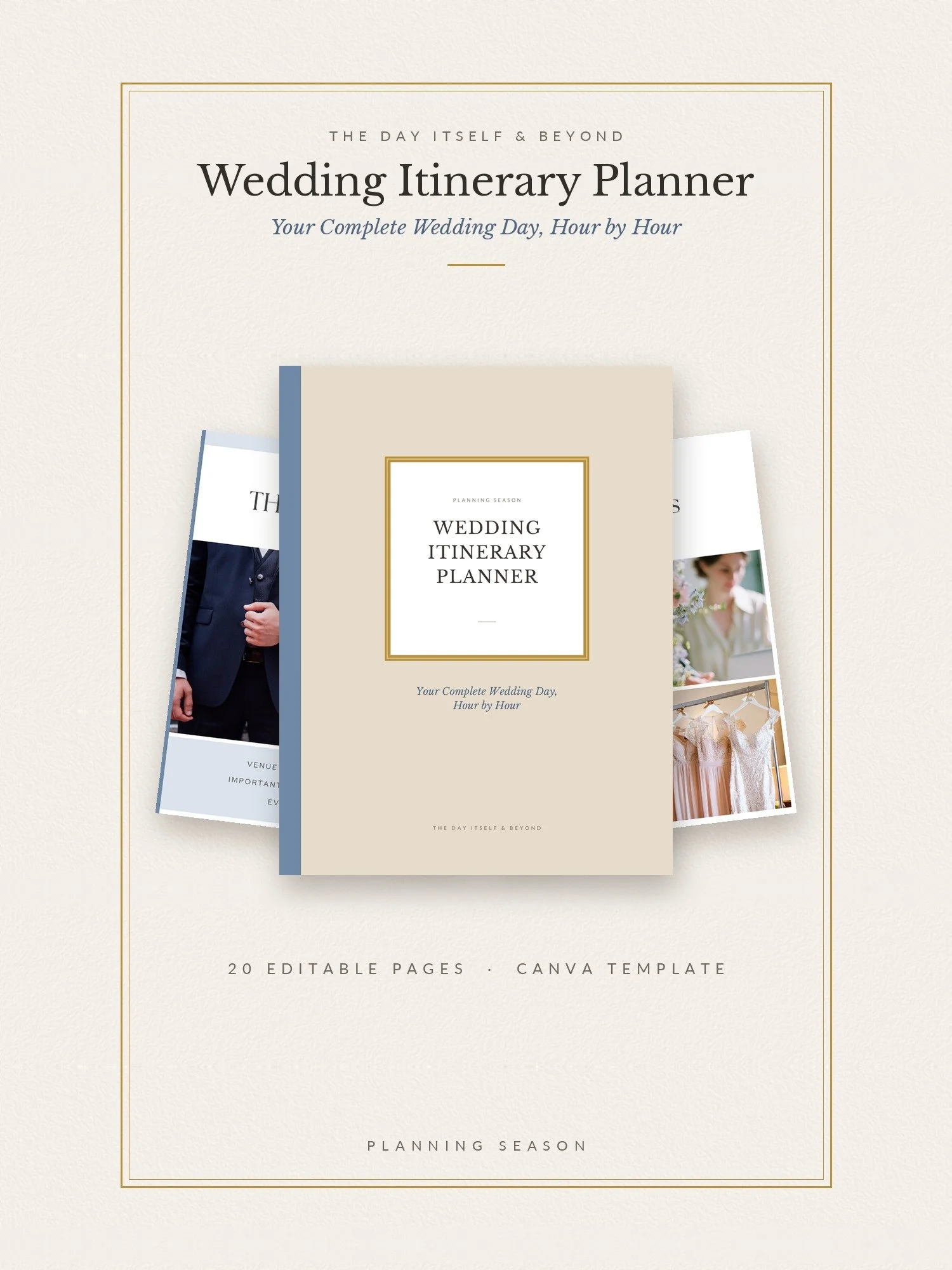 Image 28 of 44
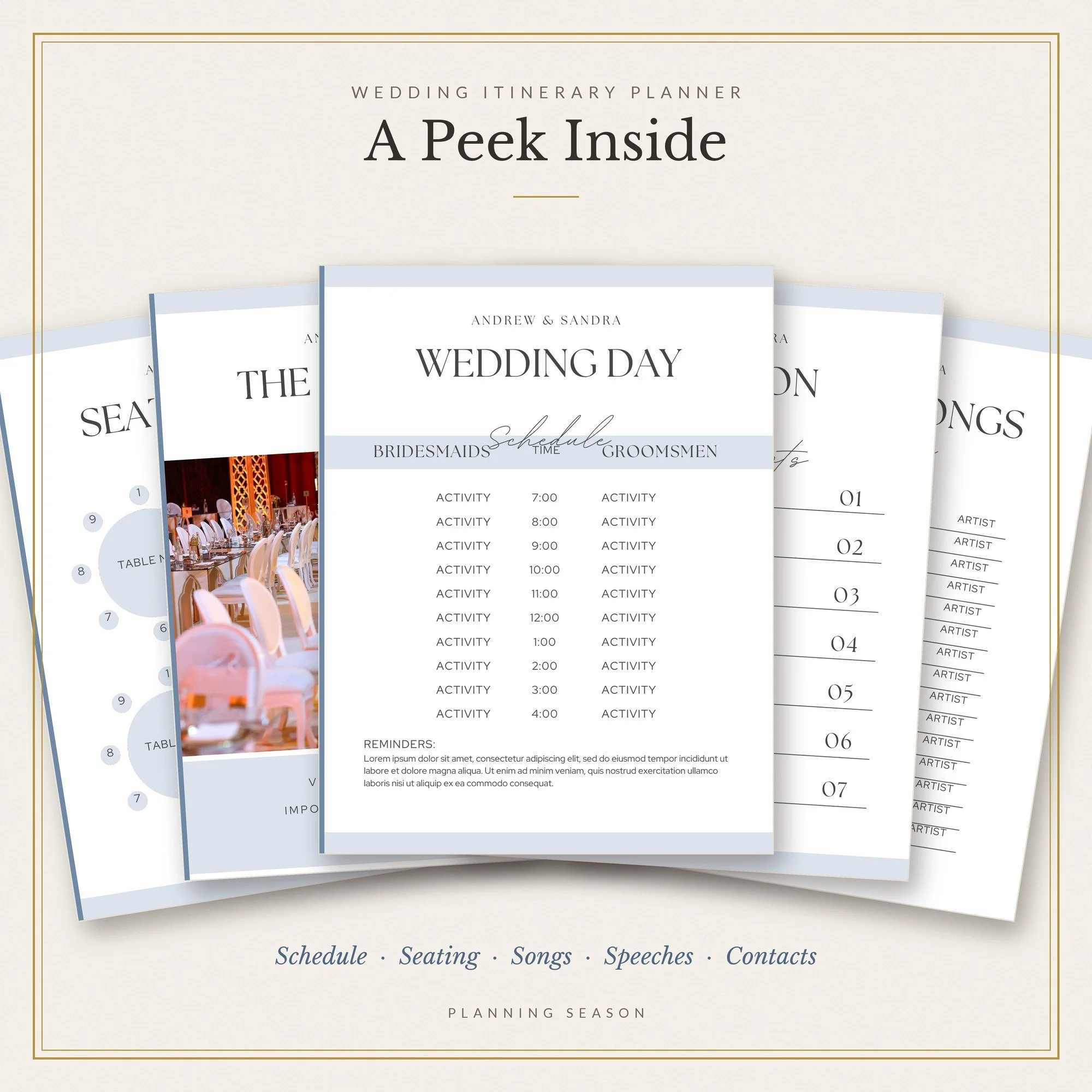 Image 29 of 44
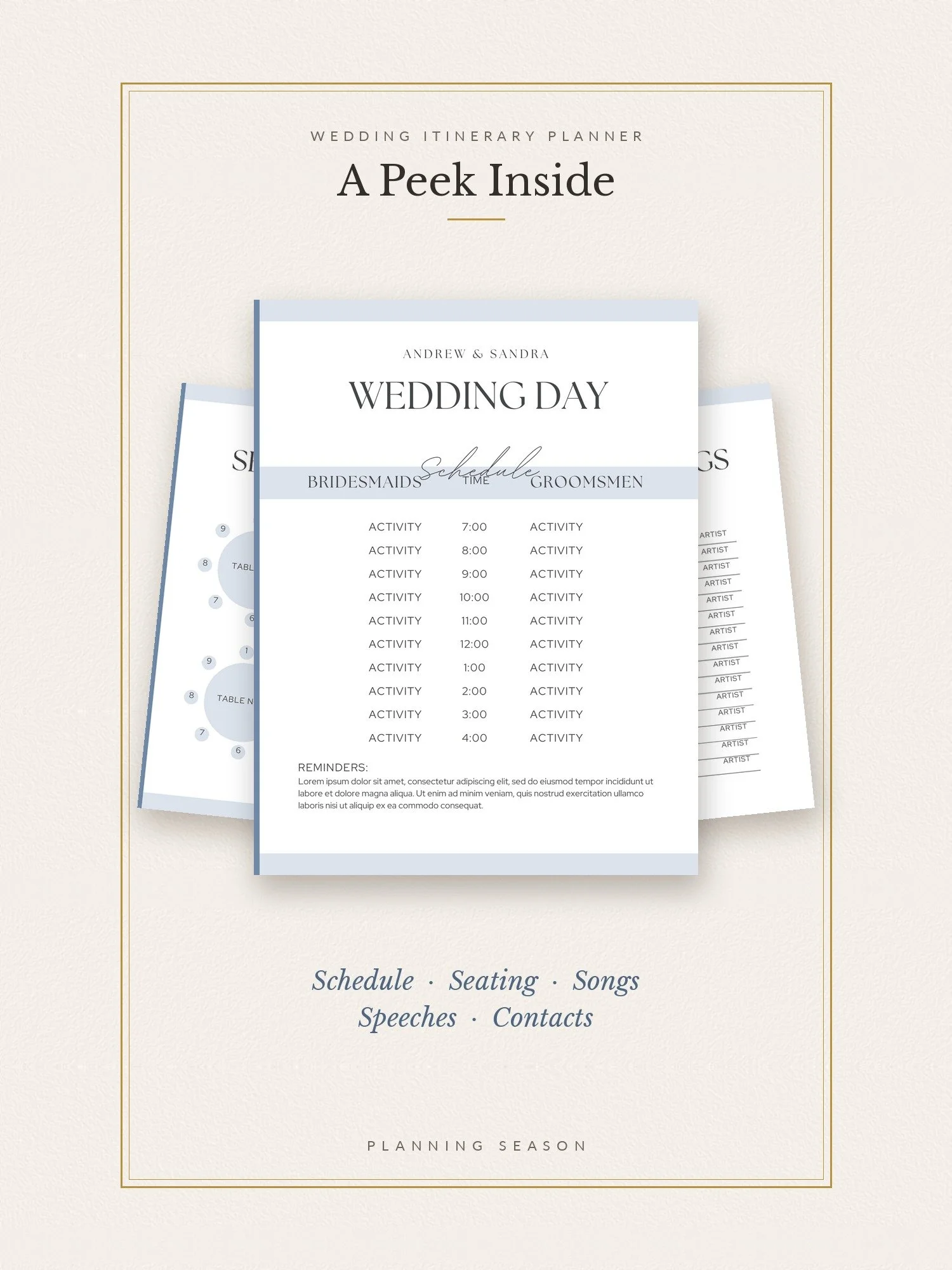 Image 30 of 44
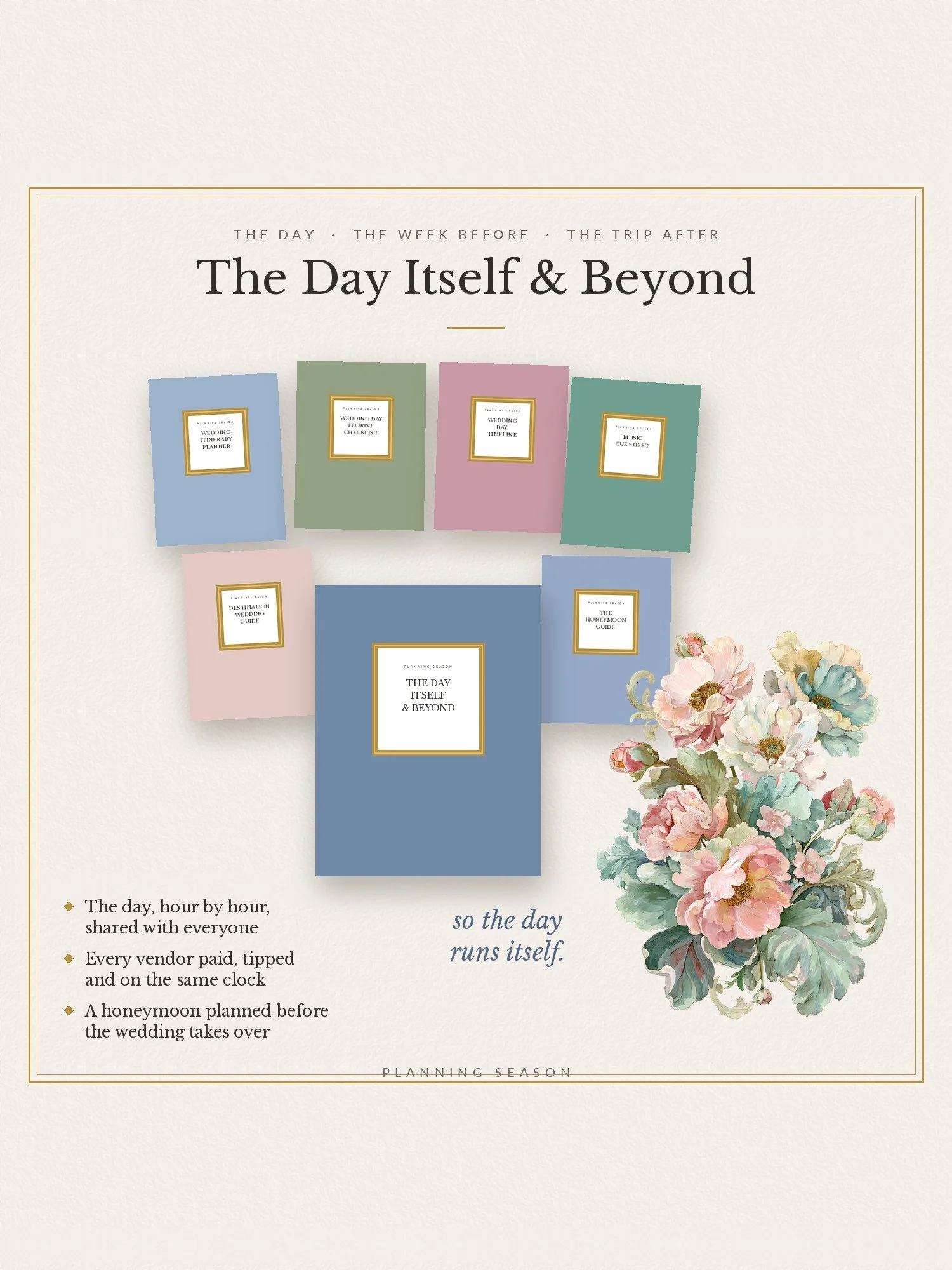 Image 31 of 44
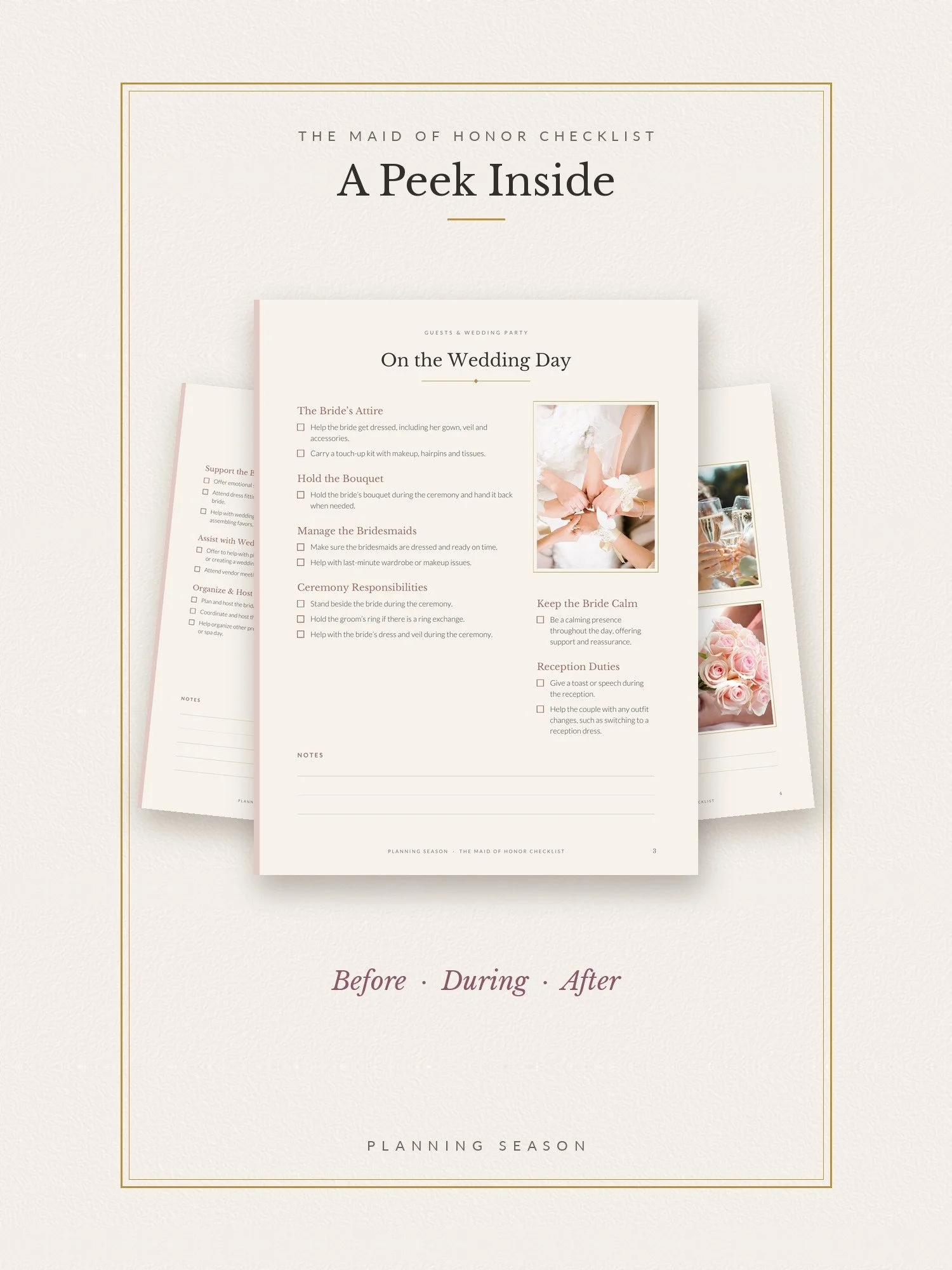 Image 32 of 44
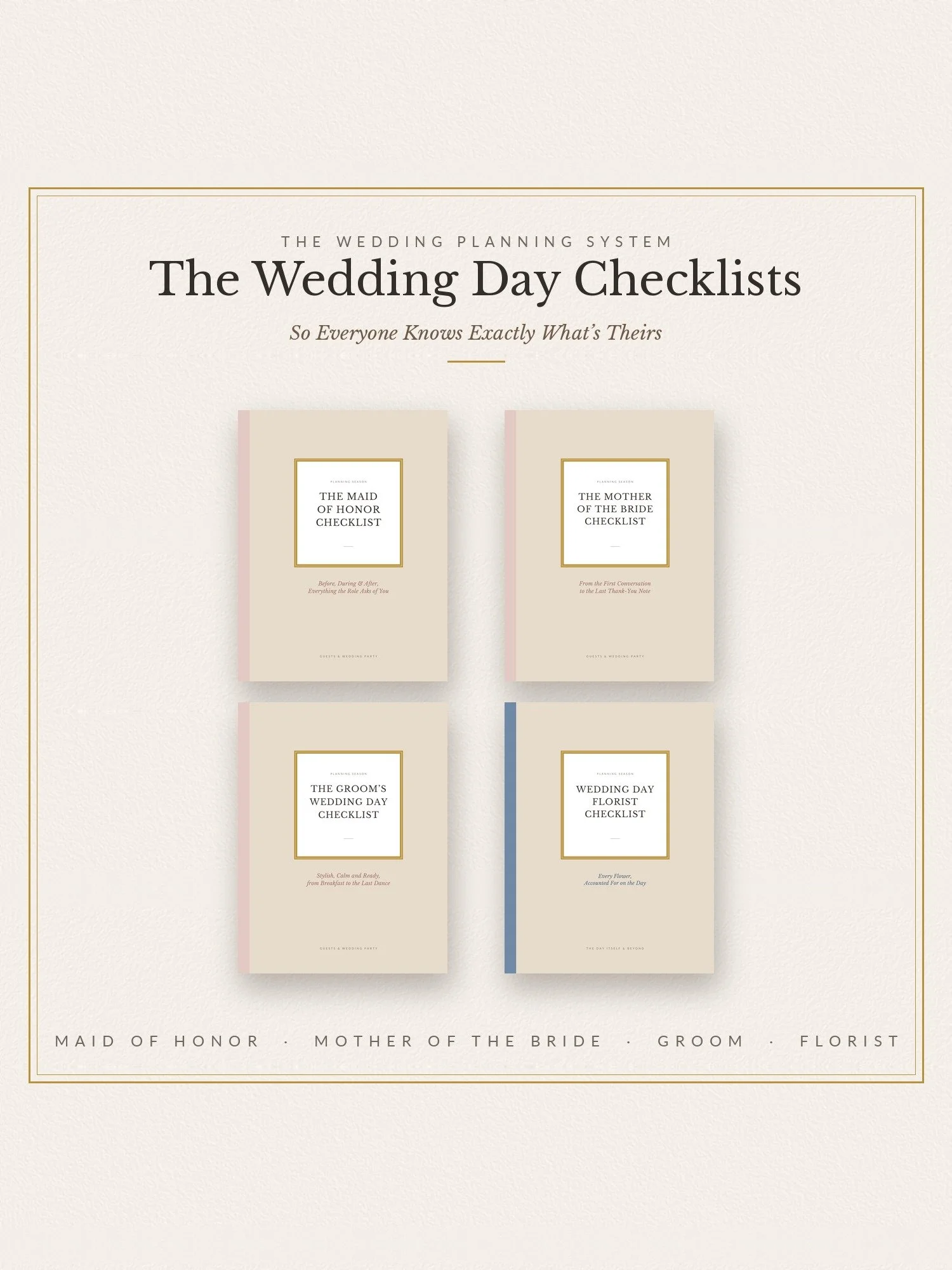 Image 33 of 44
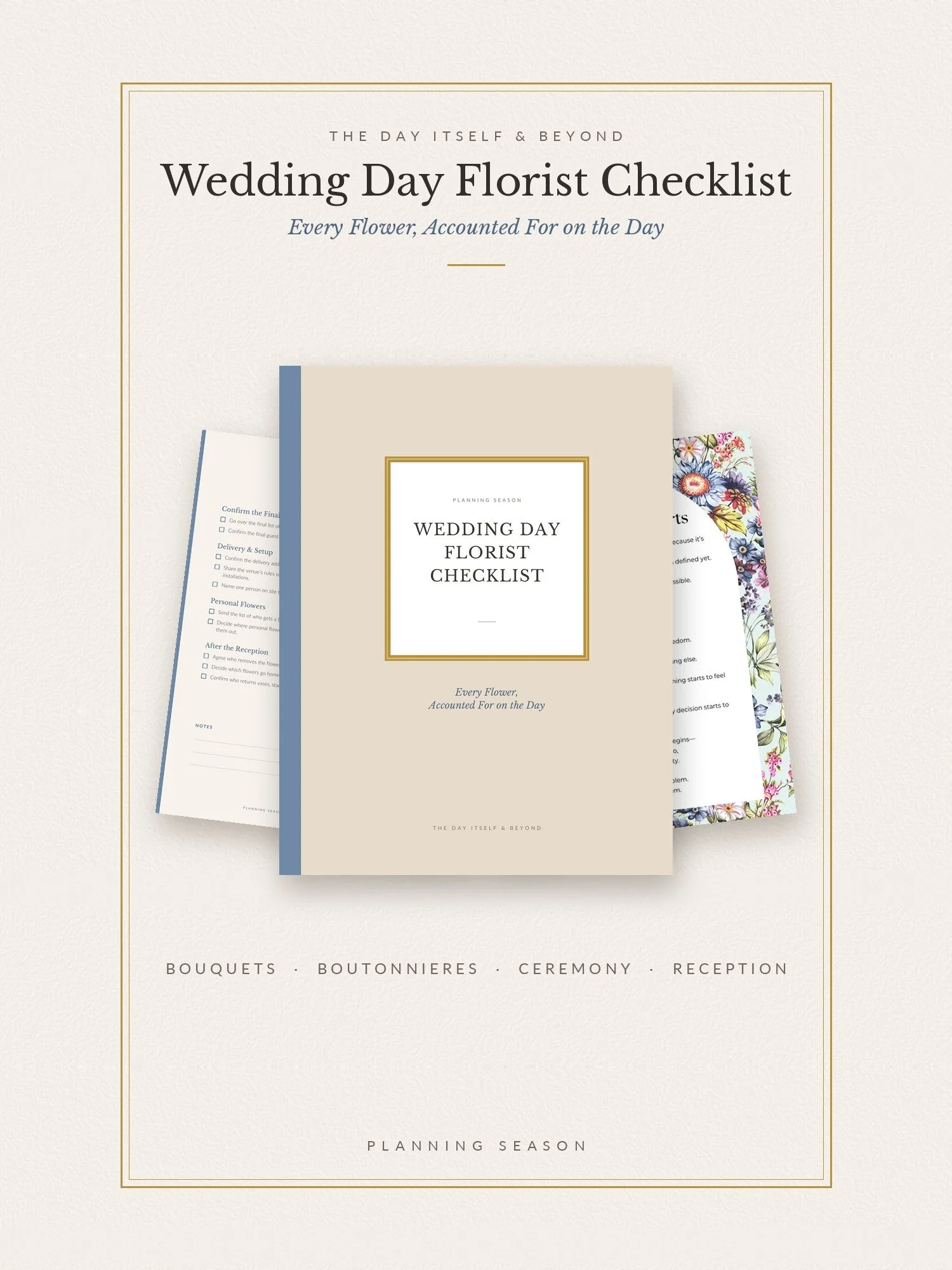 Image 34 of 44
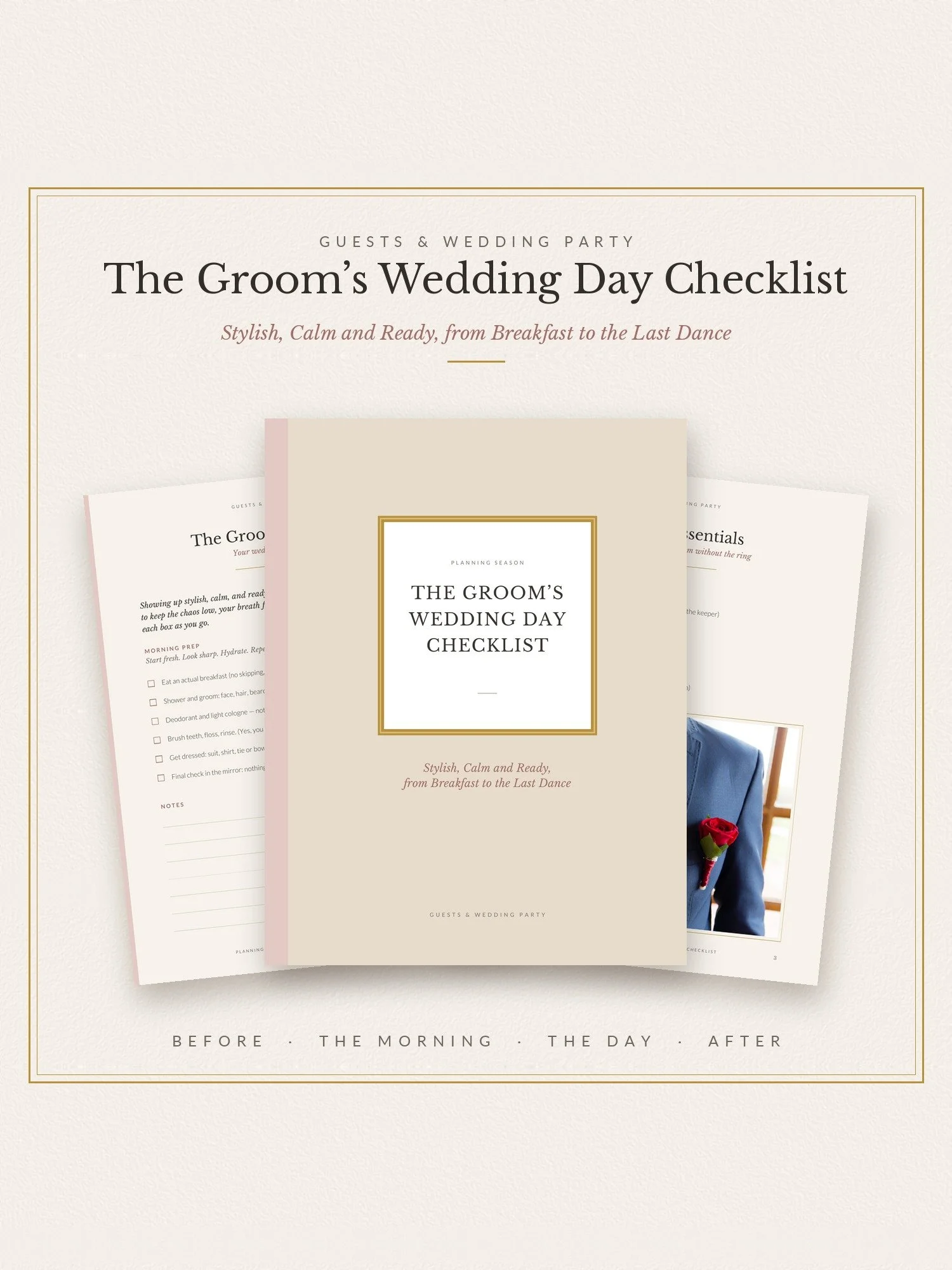 Image 35 of 44
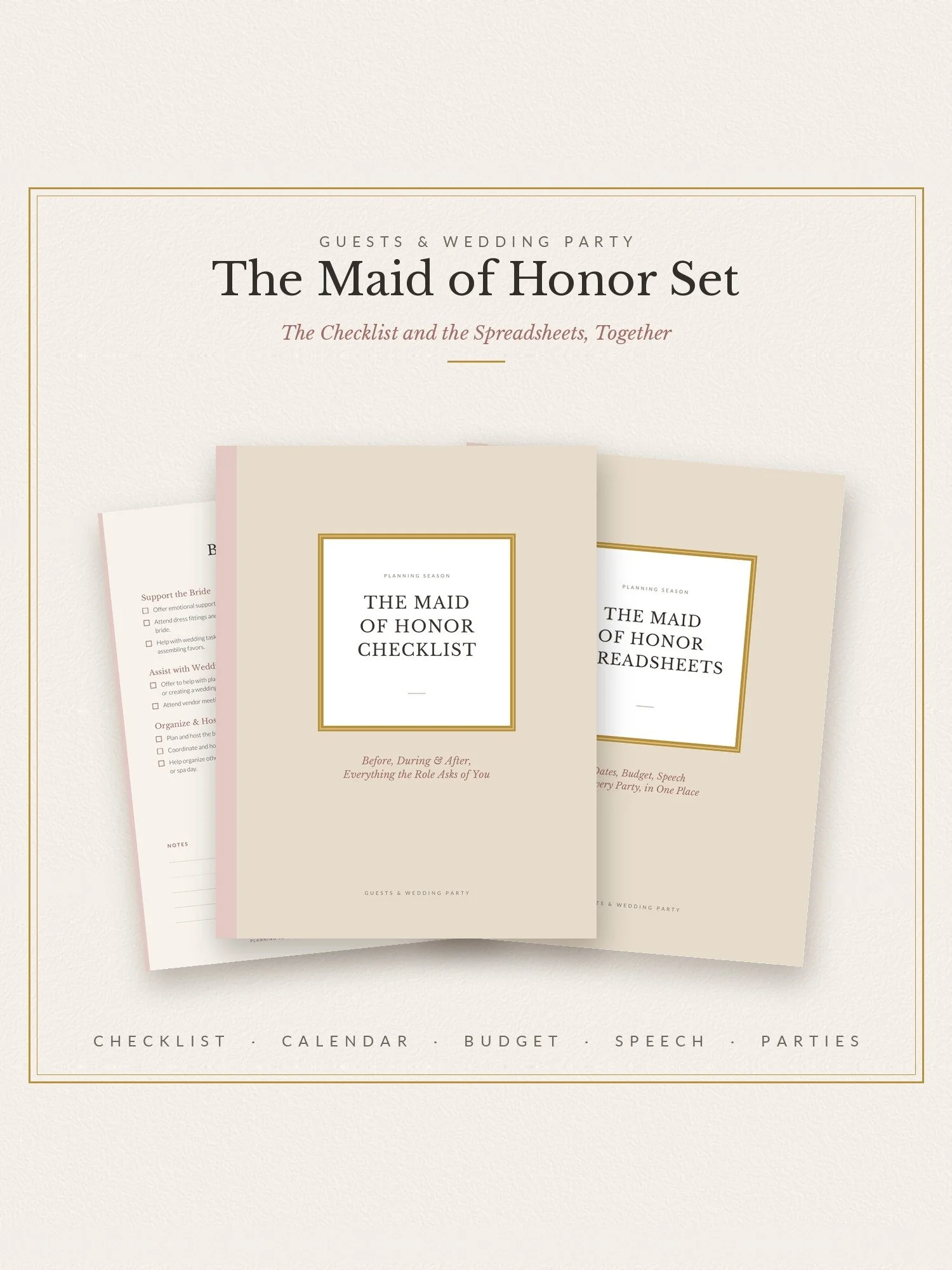 Image 36 of 44
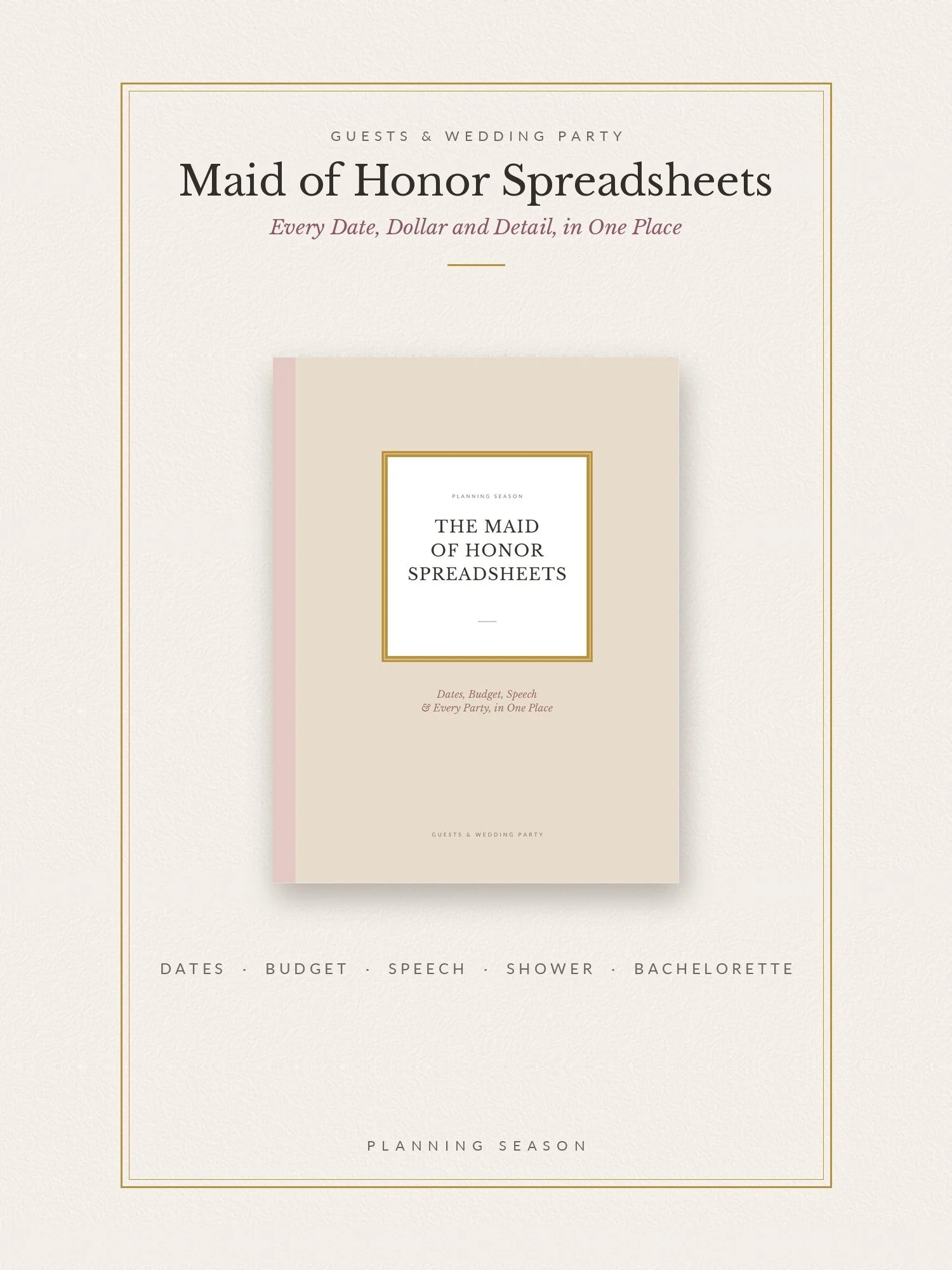 Image 37 of 44
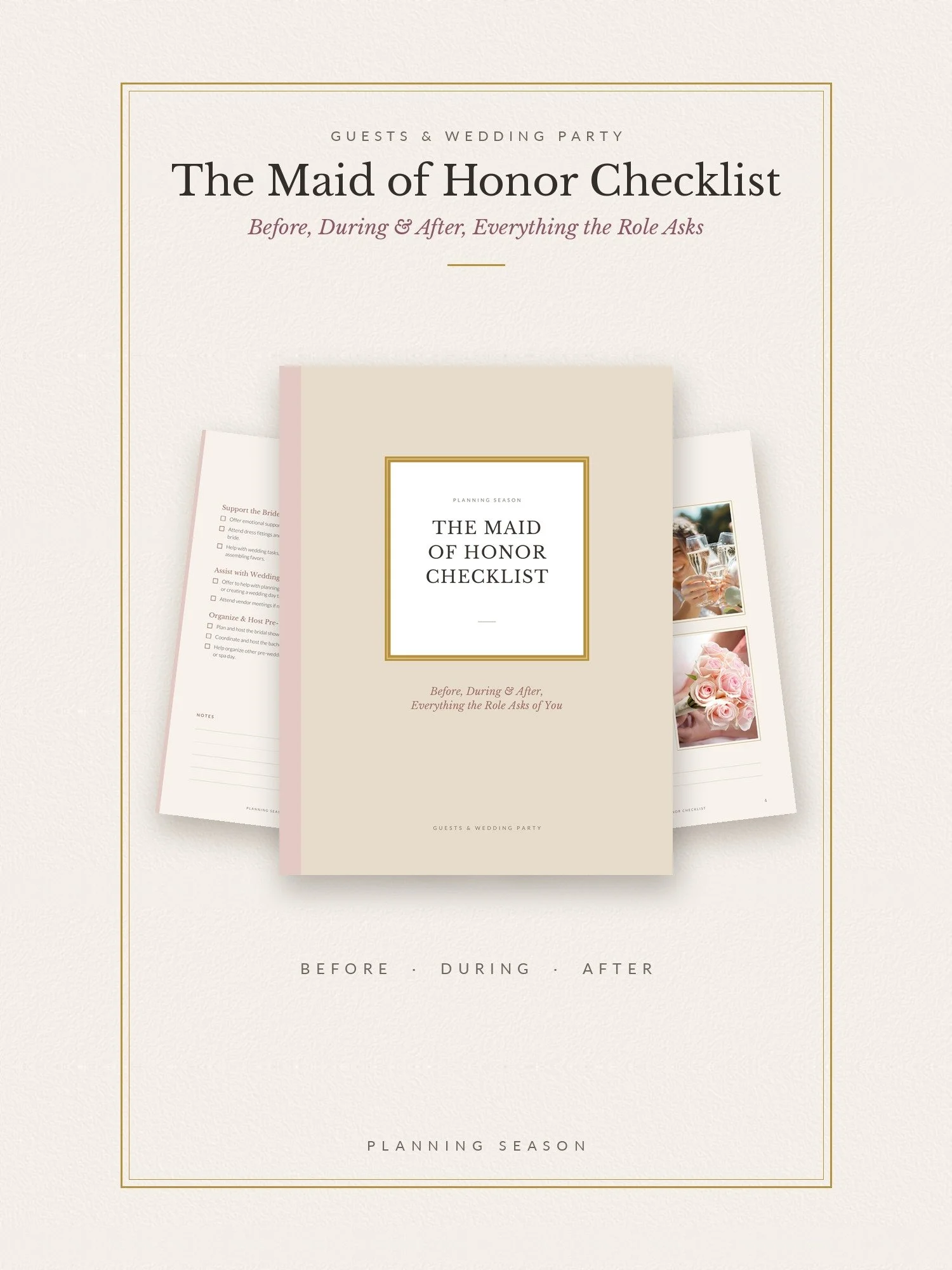 Image 38 of 44
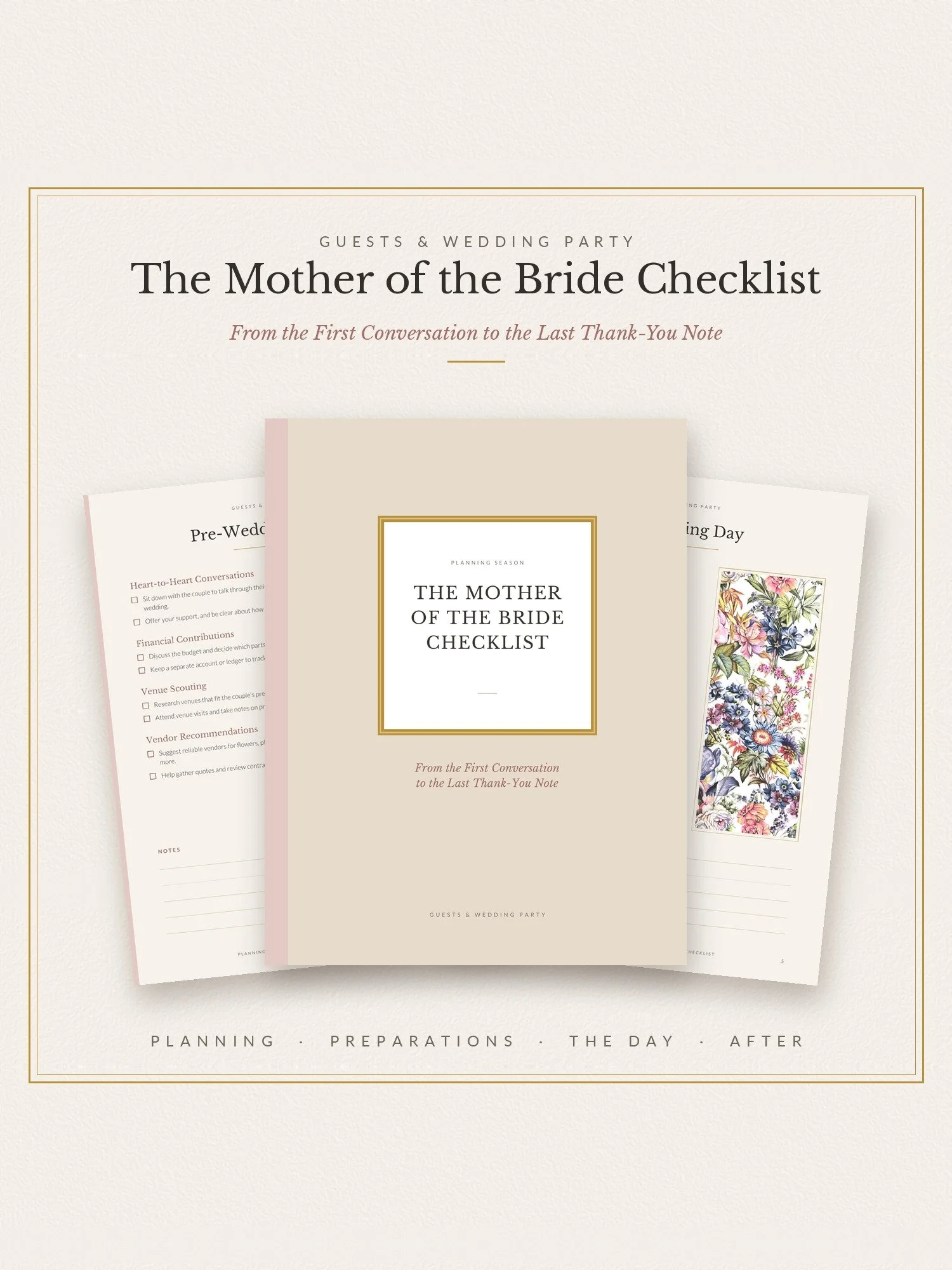 Image 39 of 44
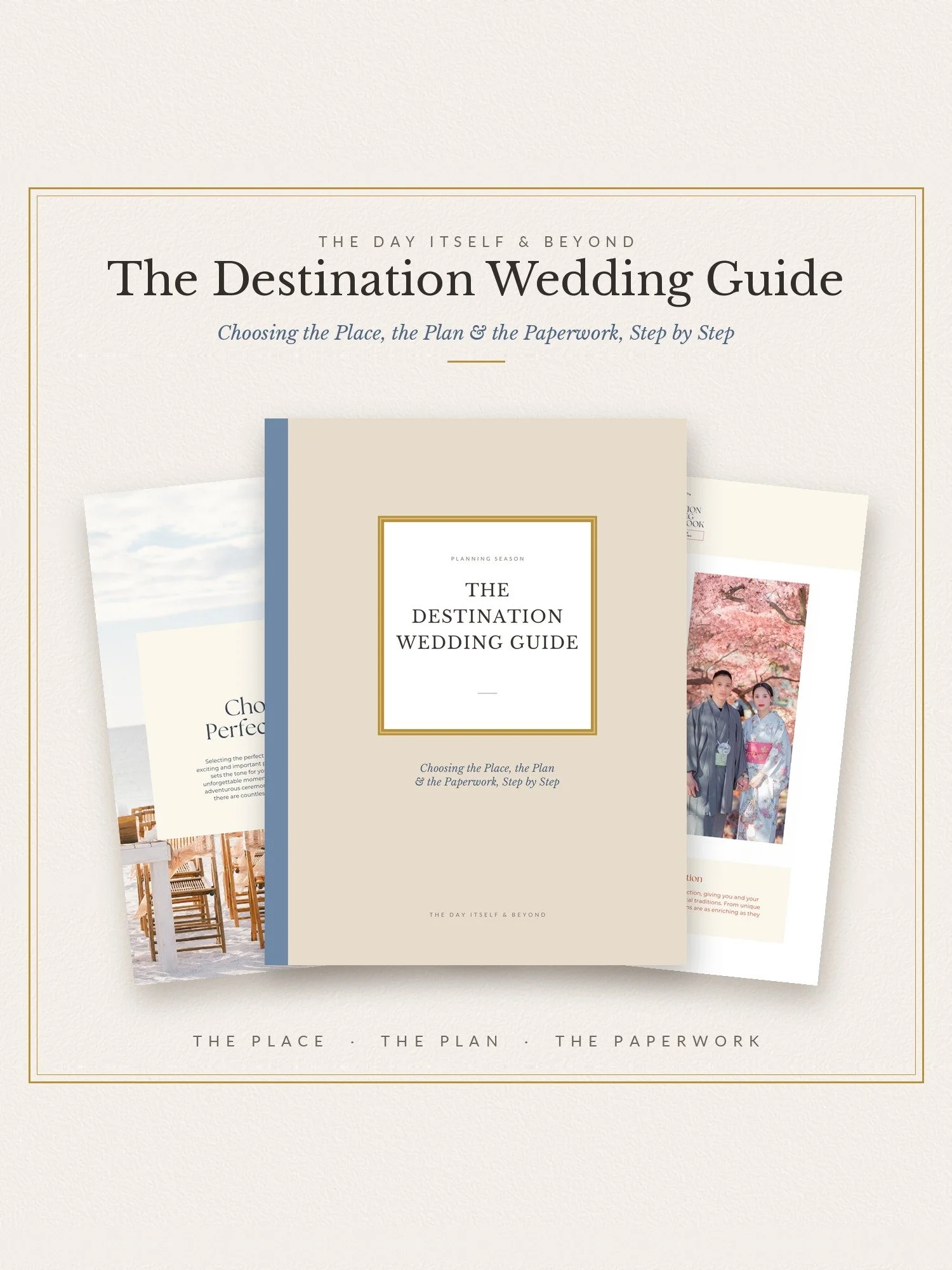 Image 40 of 44
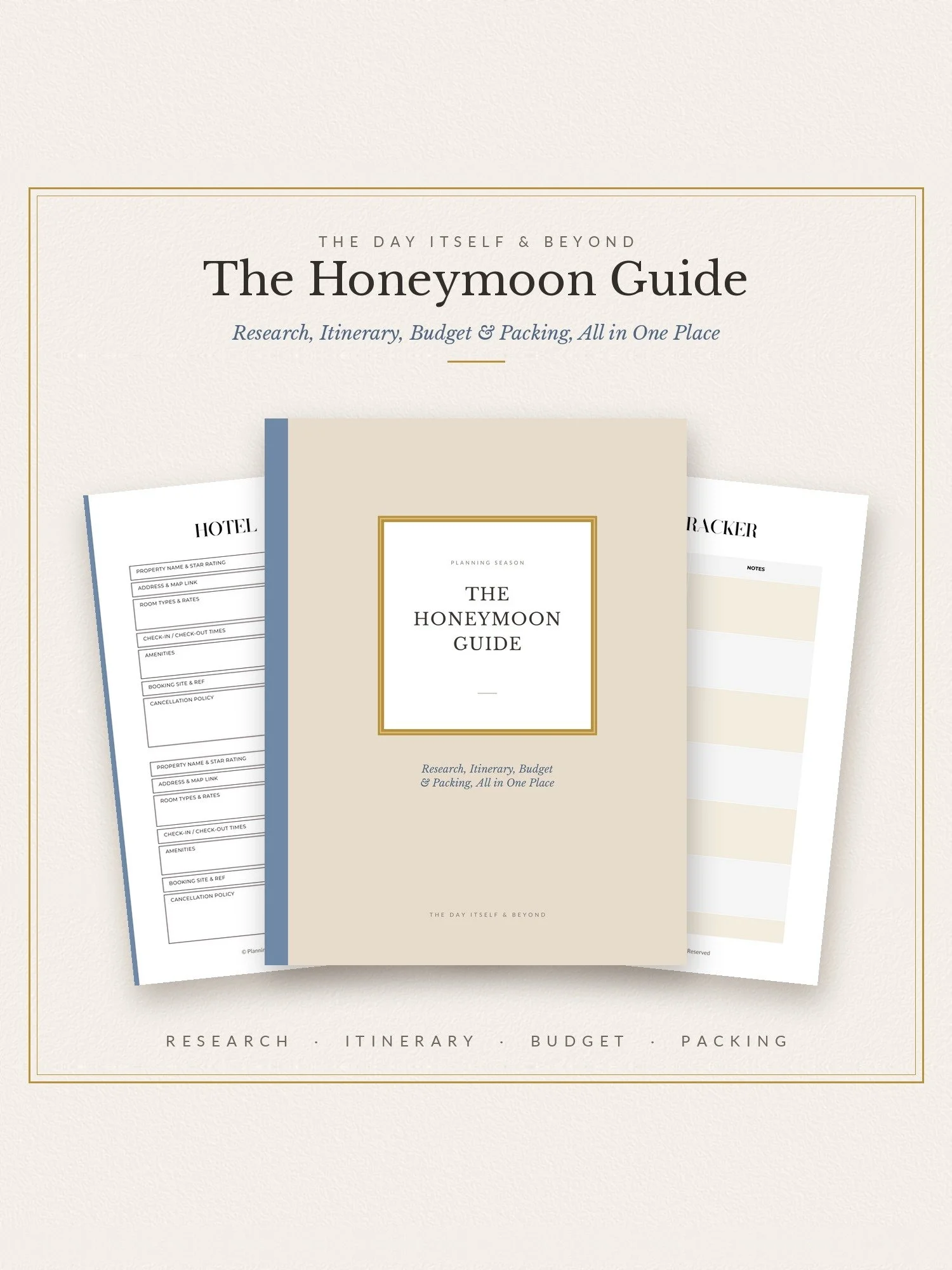 Image 41 of 44
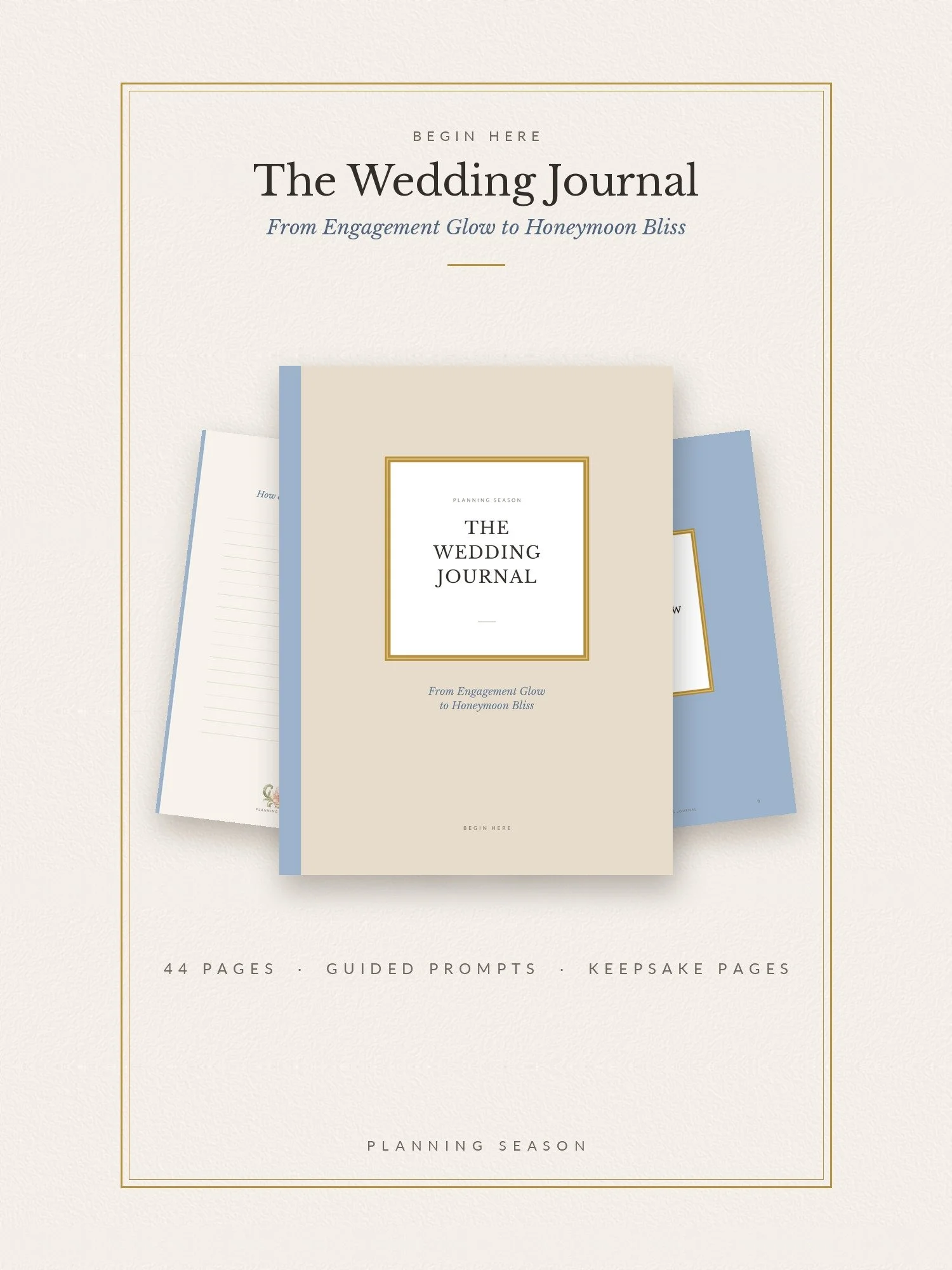 Image 42 of 44
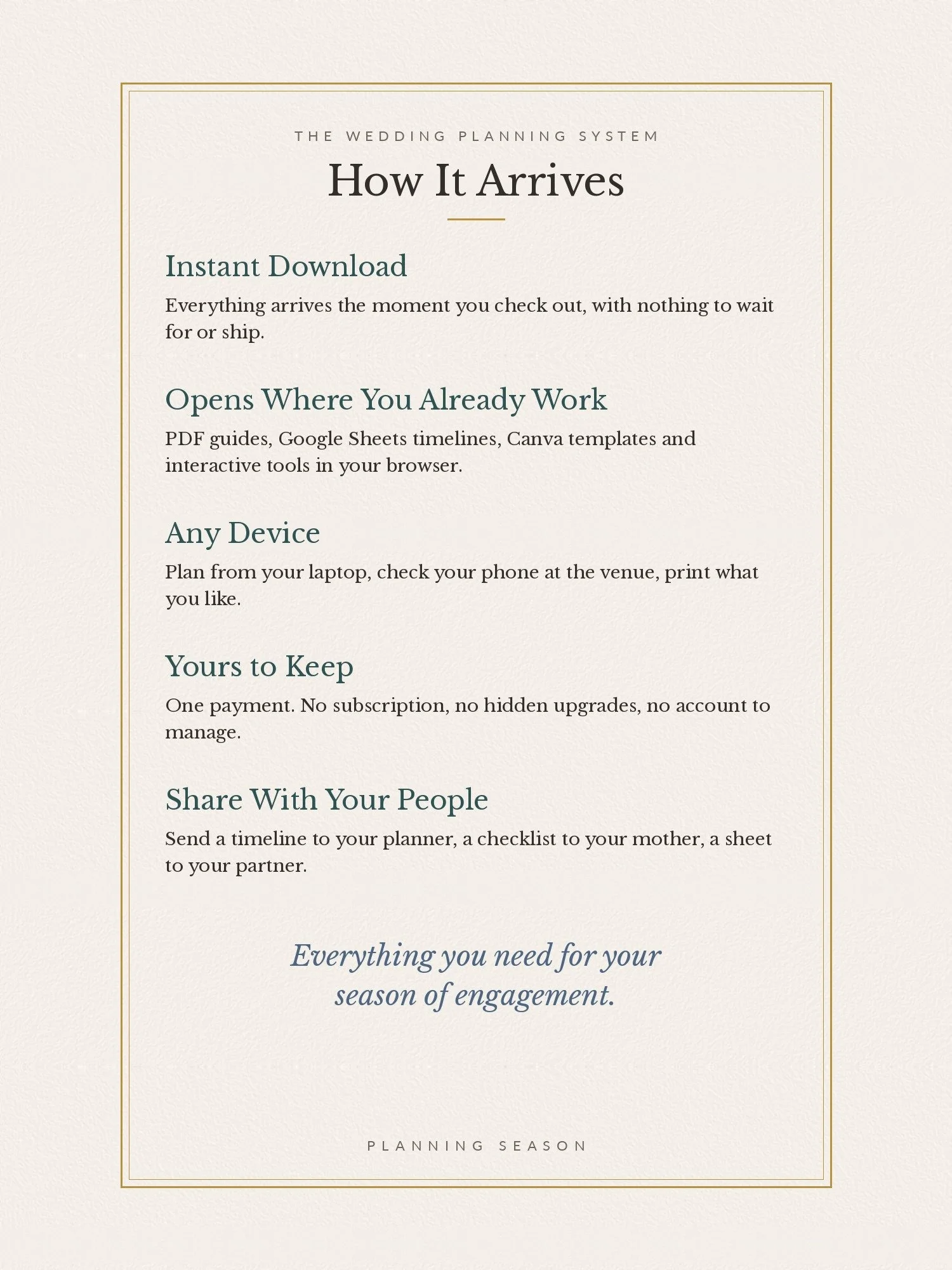 Image 43 of 44
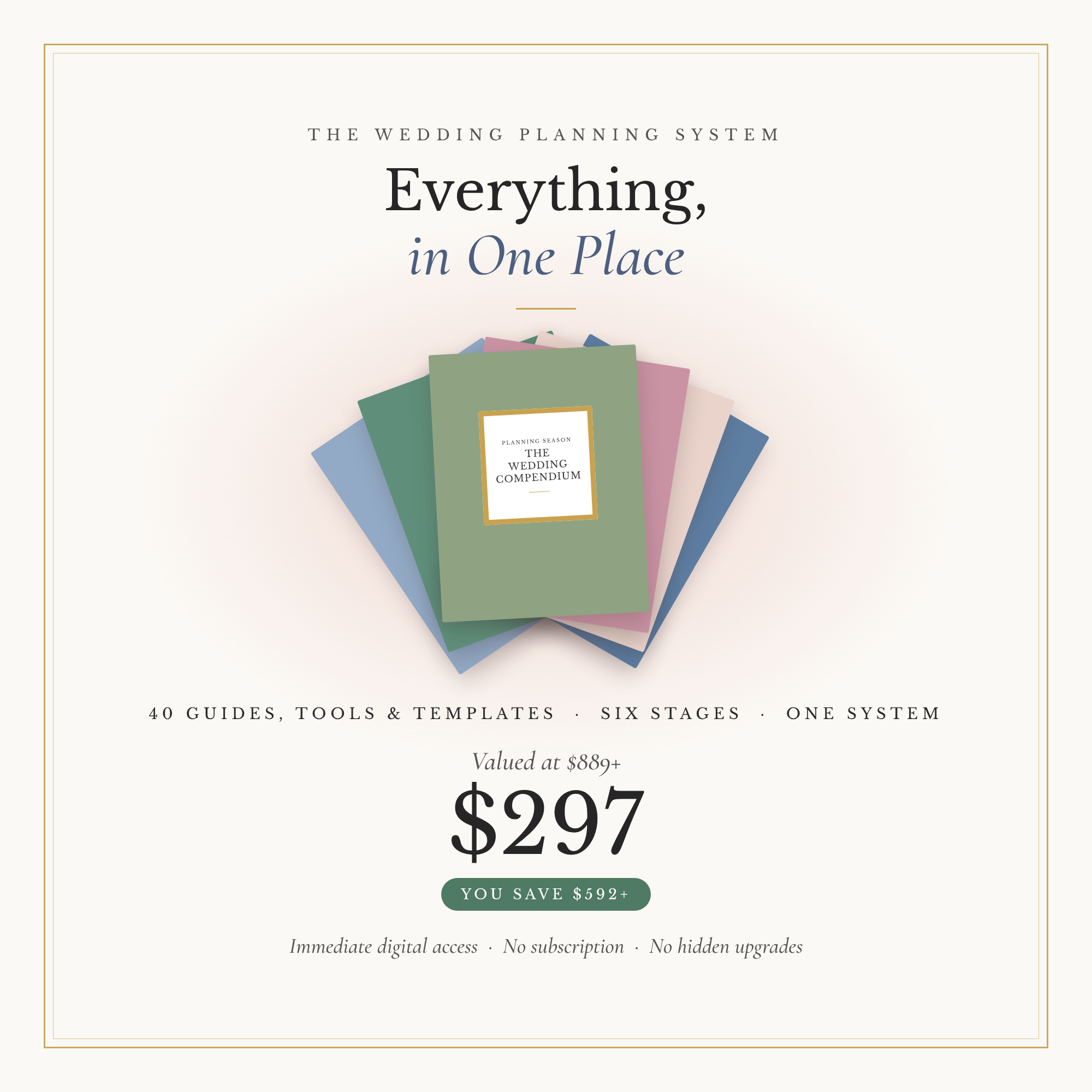 Image 44 of 44